How to Cancel NordVPN (2026)
Last checked 2026-10-20. Official source: How to cancel auto-renewal for your NordVPN subscription. This is for a plan bought from Nord. Store purchases use the store.
Quick answer
- Apple, Google Play, or Amazon: cancel in that store. Nord’s article sends those off the steps below.
- Bought from Nord: log in to your Nord Account → billing.
- Cancel next to auto-renewal → cancel auto-renewal.
- Status should show auto-renewal off, and a confirmation email goes to the account email.
- The same billing steps cover NordPass, NordLocker, Dedicated IP, or a bundle if that’s the charge.
- Cancel auto-renewal is not a refund. Nord points refunds to a separate policy article.
Canceled Nord and still not sure what else renews on this Google account? Free discovery, no bank login.
Free discovery, no bank login.
Continue with Google · No bank login
Canceling vs unsubscribing from NordVPN
In Nord’s help, canceling a subscription means turning off auto-renewal in your Nord Account:
- Your plan keeps working until the end of the period you paid for, then stops instead of renewing.
- If you searched “unsubscribe from NordVPN,” this is the step that stops future charges: Nord Account → billing → Cancel next to auto-renewal → cancel auto-renewal.
- Turning off auto-renewal doesn’t refund the current period. A refund is a separate request (see below).
Who bills you: Nord or the store?
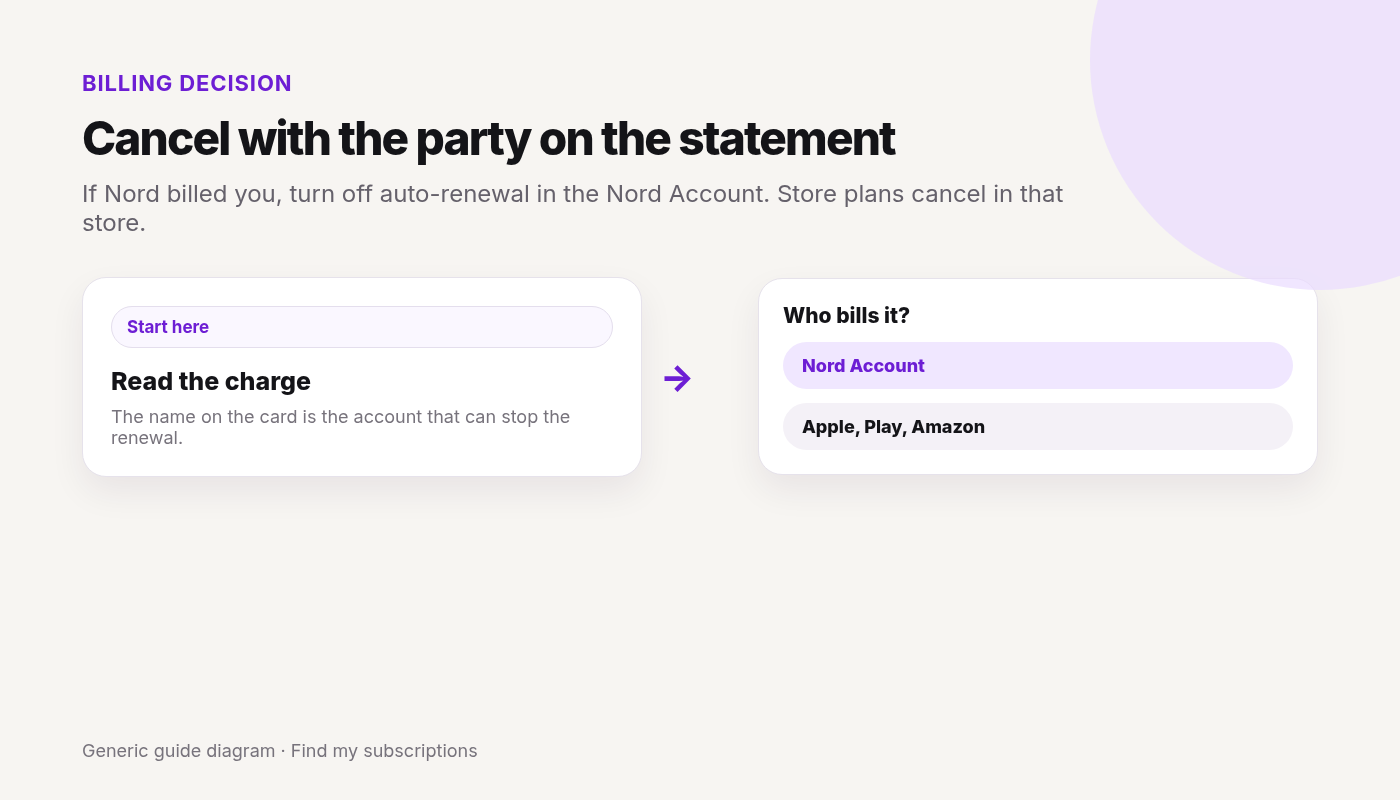
Cancel with whoever charged you. The charge on your statement tells you which:
- Bought on the NordVPN website: Nord Account → billing → cancel auto-renewal.
- Apple App Store: cancel in your Apple subscriptions. Nord can’t issue refunds for Apple payments — Apple’s refund rules apply.
- Google Play: cancel in Google Play subscriptions. Nord’s support can handle refunds for Google Play payments within its refund terms, and Google Play also accepts refund requests for payments made in the last 48 hours.
- Amazon Appstore: cancel in your Amazon Appstore subscriptions; refunds go through Amazon Support.
- Retailer or reseller (a physical store, online shop, or marketplace such as Best Buy or StackSocial): contact the seller about refunds.
Refunds after canceling
- Per Nord’s refund policy, new subscriptions get a 30-day money-back guarantee on the first purchase only. Renewals aren’t covered, unless local law says otherwise.
- To request one, contact Nord support via live chat. Eligible payments show a Refund button in your account.
- Refunds can take up to 10 business days to reach you, depending on your payment method.
FAQ
How do I cancel my NordVPN subscription?
If you bought from Nord, log in to your Nord Account, open the billing tab, click Cancel next to auto-renewal, and confirm. If you bought through Apple, Google Play, or Amazon, cancel in that store.
Is canceling NordVPN the same as unsubscribing?
Yes. Nord calls it canceling auto-renewal. Your plan keeps working until the paid period ends, then it stops renewing.
Does canceling NordVPN give me a refund?
No. Canceling auto-renewal only stops future charges. First purchases have a 30-day money-back guarantee you request through Nord support; store purchases follow the store’s rules.
Why can’t I find my NordVPN plan in my Nord Account billing tab?
You may have bought it through Apple, Google Play, Amazon, or a retailer. Cancel with whoever charged you.
Nord is only one charge.
See what else is still charging this Google account.
Free discovery · No bank login · Works on mobile