How to Cancel Subscriptions on iPhone (2026 Guide)
This guide covers how to cancel Apple subscriptions in the United States. Steps and fees can vary by account, club, and agreement — treat official help pages and your contract as the source of truth.
Quick answer
- On iPhone: Settings → [Your Name] → Subscriptions.
- Tap the subscription → Cancel Subscription (scroll if the button is lower on the page).
- If there’s no Cancel button or you see a red expiration message, Apple says it’s already canceled.
- Deleting the app does not cancel billing.
- If the subscription isn’t listed here, it may be on another Apple Account, a Family Organizer’s account, or billed by the merchant (cancel on their site/store instead).
Canceling one service?
See what else is still charging this Google account — free discovery, no bank login.
Continue with Google · No bank login
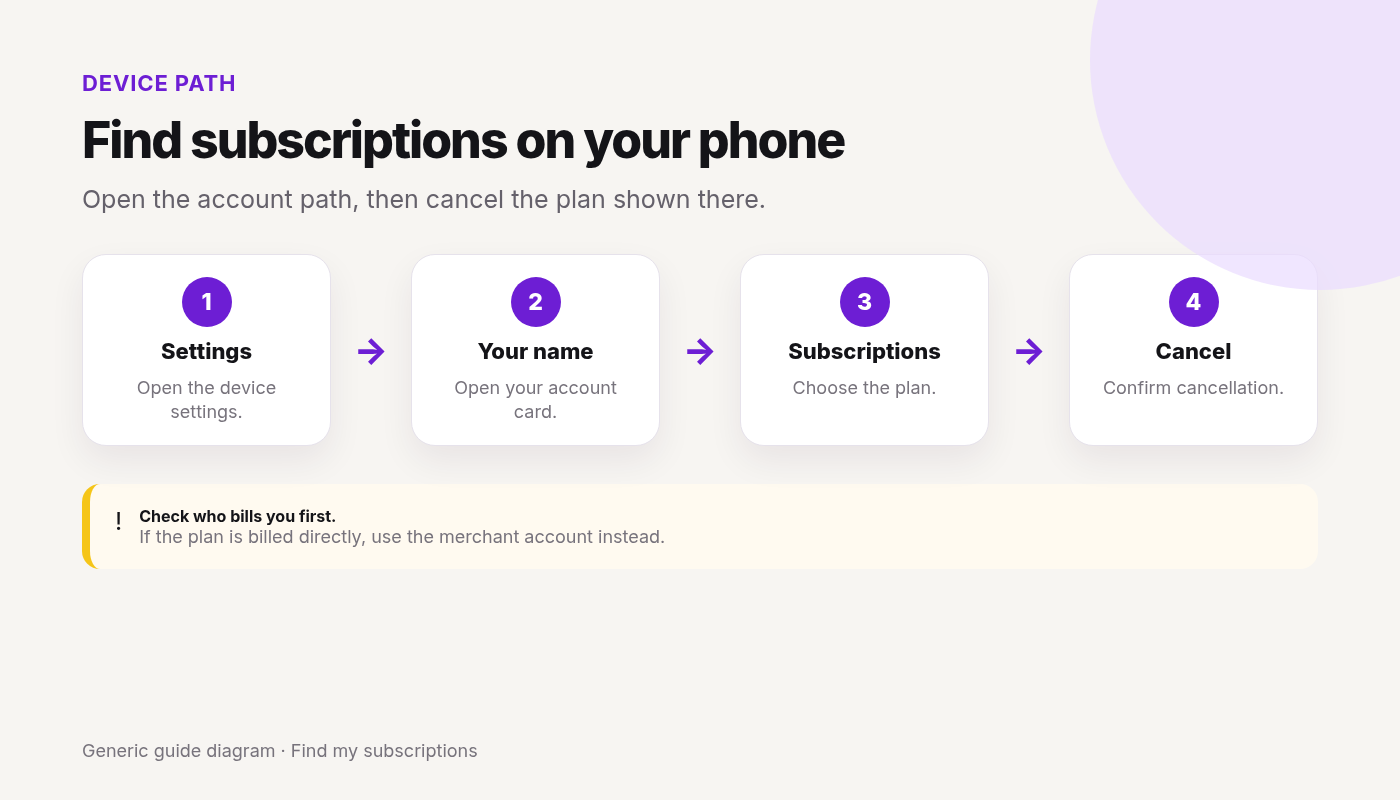
Device/account steps: Cancel on iPhone (Apple-billed)
From Apple Support — Cancel a subscription:
- Open Settings.
- Tap your name.
- Tap Subscriptions.
- Tap the subscription.
- Tap Cancel Subscription and confirm.
Family/shared billing
Only the Apple Account that was charged can cancel that subscription; if Family Sharing is involved, check the Family Organizer’s receipt and account.
Also useful: Apple’s web cancel path (account.apple.com / support article) when you can’t use Settings. On Mac: App Store → account → Subscriptions. Family: only the Apple Account that was charged can cancel — ask the Family Organizer if their receipt shows the charge.
Done canceling Apple subscriptions? Other subscriptions may still renew on this email.
Find my subscriptions — Continue with Google · Free discovery · No bank login · Works on mobile
When to cancel in-app vs store: when Apple is *not* the billed party
Many streaming, VPN, wellness, and SaaS plans bill the merchant directly even if you watch/use them on iPhone.
- Check bank/card statement and confirmation emails for “Apple”, “App Store”, or the merchant name.
- If the merchant bills you, cancel in that account (examples: Hulu, Netflix, Spotify Premium, Headspace).
- Canceling only in Apple Settings will not stop merchant direct billing.
Cancel vs pause
If a pause or plan-change option appears, it is not the same as Cancel Subscription. Confirm the status shown after choosing cancel.
Fees, trials, and money at risk
- Apple documents canceling trials at least 24 hours before the trial ends to avoid renewal.
- Separate “cancellation fees” are merchant-specific — Apple doesn’t publish a universal cancel fee for third-party apps.
- Access usually continues through the period already paid (confirm on the subscription detail screen).
- Unknown for your plan = check the subscription page + merchant terms.
Charged after canceling
- Current period already billed?
- Wrong Apple Account / Family Organizer still billed?
- Merchant direct billing still active?
- Second subscription (plus family plan) still on?
- Keep Apple or merchant confirmation; dispute only with proof.
One cancel done. What else are you paying for?
After you finish this guide, see what other subscriptions may still be renewing.
Continue with Google · No bank login
FAQ
How do I cancel a subscription on iPhone?
Open Settings → [Your Name] → Subscriptions → select the subscription → Cancel Subscription. Confirm and keep proof.
What if I don’t see the subscription on this iPhone?
It may be on a different Apple Account, a Family Organizer’s account, or billed by the merchant (not Apple). Check receipts and bank statements for the billed party.
Does deleting the app cancel the subscription?
No. Uninstalling an app does not cancel Apple billing or merchant billing.
How far ahead should I cancel a trial?
Apple advises canceling a trial at least 24 hours before it ends if you don’t want to renew.
Can I cancel on the web instead of Settings?
Yes — Apple documents canceling subscriptions on the web at account.apple.com / Apple’s cancel-subscription support page when device Settings aren’t available.
Why was I still charged after canceling on iPhone?
Often the current period already billed, wrong Apple Account, Family Organizer still billed, or the merchant (not Apple) was the billed party.
Related cancels
- Cancel subscriptions on Google Play / Android
- Cancel subscriptions through Amazon
- Charged after canceling a subscription
- Hub: /cancel/
Not legal advice. Steps change — verify on Apple Support.