How to Cancel Canva Pro (2026)
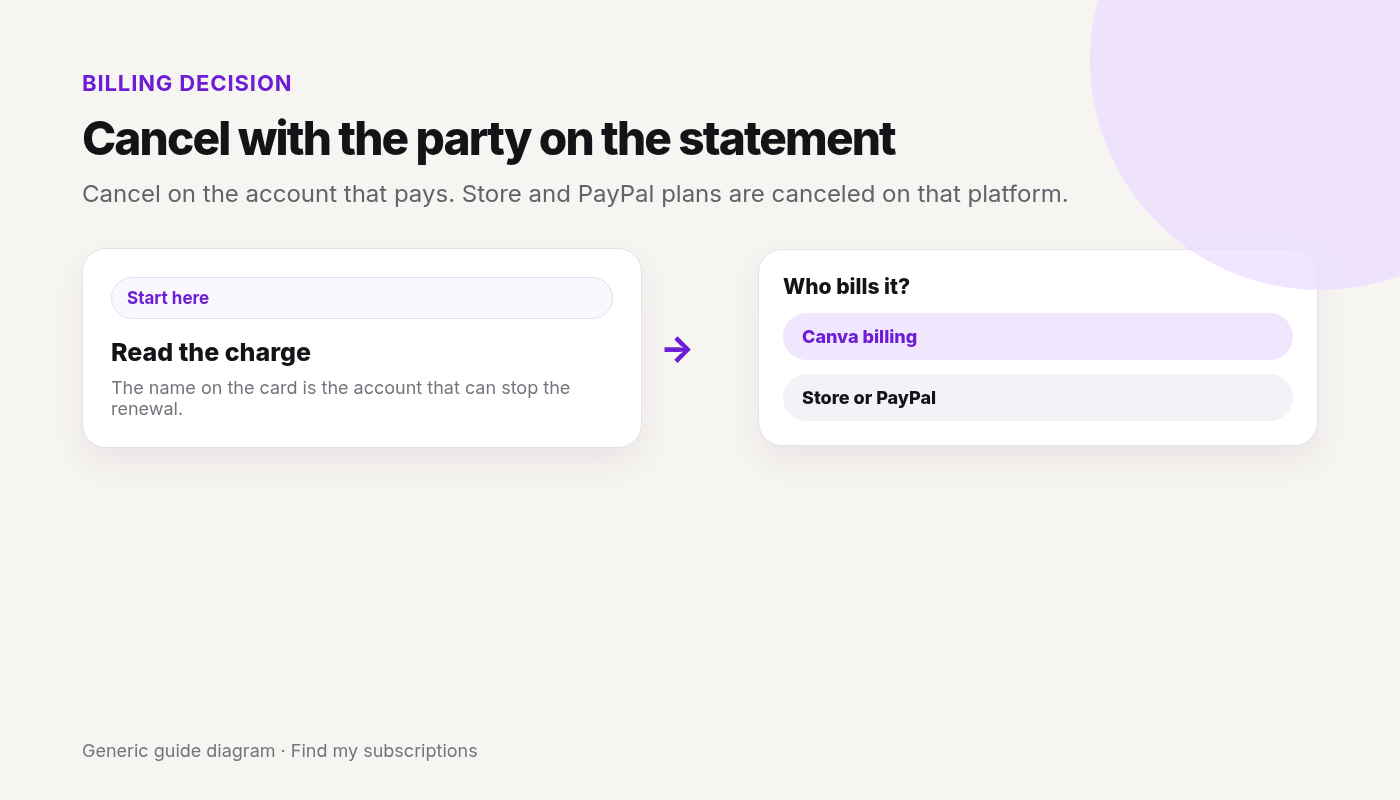
Checked 2026-10-04. Official source: Cancel a Canva plan. Match the statement to Canva, Google, Apple, or PayPal, then cancel there. Only a paid, active plan can be canceled.
Quick answer
- Sign in to the Canva account or team on the receipt.
- Profile → Settings → Billing.
- Cancel plan → Continue cancellation → a reason → Continue cancellation → Cancel subscription.
- Google Play or the App Store: Canva can’t cancel those in the app. Cancel in the store. Uninstalling does not cancel.
- PayPal: cancel the Canva automatic payment in PayPal.
Canceled Canva and still not sure what else renews on this Google account? Free discovery, no bank login.
Free discovery, no bank login.
Continue with Google · No bank login
Canva is only one charge.
See what else is still charging this Google account.
Free discovery · No bank login · Works on mobile