Checked 2026-10-04. Official source: How to cancel your subscription. Read the statement, then cancel with the vendor who manages the plan. Uninstalling the app does not cancel.
Quick answer
See who bills you: Pandora, Apple, Google Play, Amazon, Roku, T-Mobile, or another carrier.
Pandora-billed, on a computer: Subscriptions → Switch Plans → Cancel Subscription.
On a phone browser: menu → Subscription → Switch Plans → Cancel Subscription.
A store or carrier plan: cancel there. Pandora says it can’t cancel, change, or refund Apple, Amazon, Roku, or carrier purchases.
Cancel at least 24 hours before renewal, or before a trial ends.
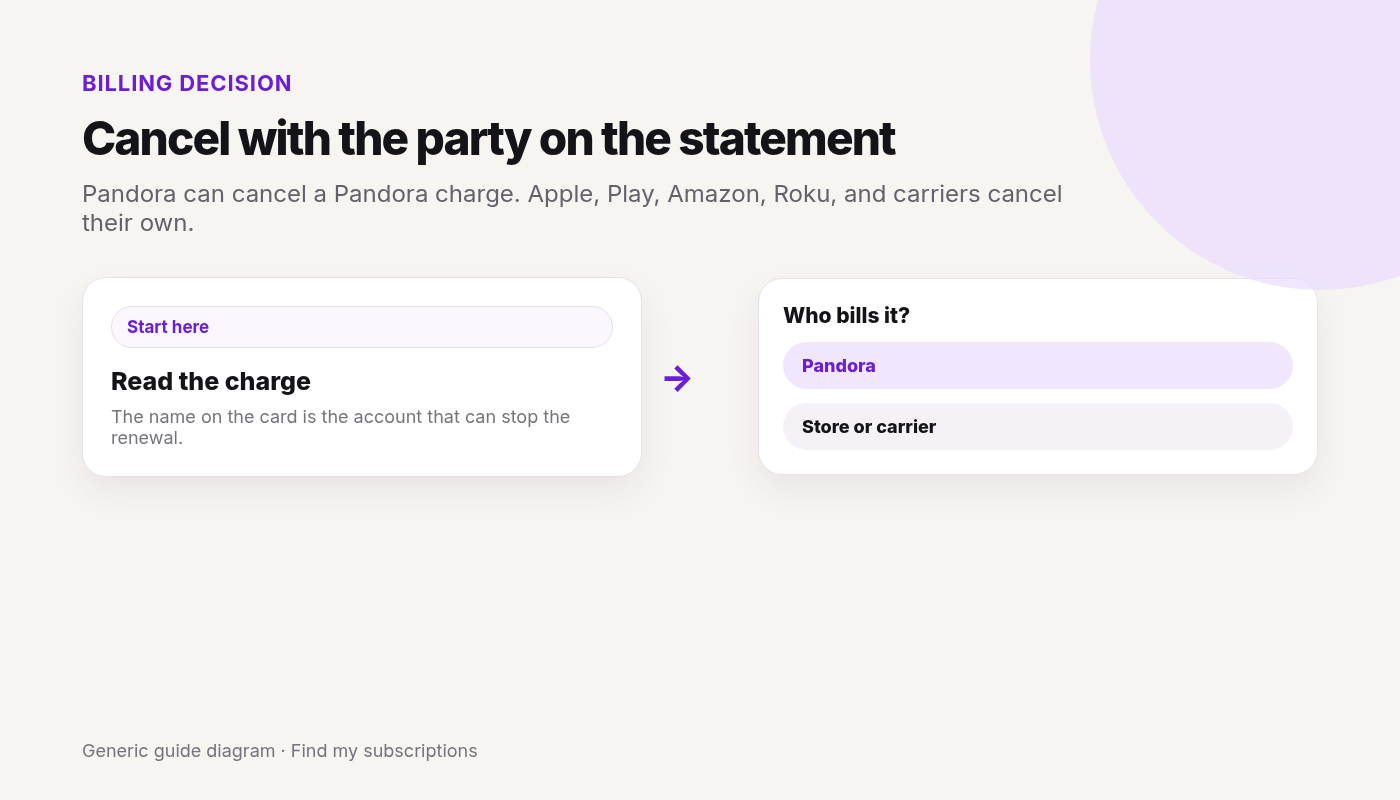
Pandora can cancel a Pandora charge. Apple, Play, Amazon, Roku, and carriers cancel their own.
Canceled Pandora and still not sure what else renews on this Google account? Free discovery, no bank login.
This guide covers how to cancel SiriusXM in the United States. Steps and fees can vary by account, club, and agreement — treat official help pages and your contract as the source of truth.
Quick answer
Confirm who bills you (SiriusXM direct vs Apple vs Google Play vs Roku vs T-Mobile / other retailer) — check your bank/card statement if unsure.
If SiriusXM bills you: Online Account Center → Subscriptions tab, or chat with an agent, or call 866-635-8641 (hours on Contact Us). Streaming app-only plans: siriusxm.com/myaccount cancel path per Customer Agreement.
Cancel at least 24 hours before renewal to avoid another charge (Customer Agreement / Help).
If a third party bills you, cancel with that provider — SiriusXM cannot stop their billing.
Uninstalling the app, selling/trading the vehicle, or not using service does not cancel.
Canceling one service?
See what else is still charging this Google account — free discovery, no bank login.
Sign in to the Online Account Center (direct-billed subscriptions / trials started by phone, on siriusxm.com, or by mail).
Open the Subscriptions tab and follow cancel instructions.
Or chat with an agent, or call 866-635-8641 (see Contact Us for hours).
Streaming (app-only) via siriusxm.com: Customer Agreement points to siriusxm.com/myaccount cancel instructions (except during scheduled/emergency maintenance).
Podcast+ (Supporting Cast): cancel at the Podcast+ account path SiriusXM publishes (e.g. Supporting Cast account); Apple Podcasts purchases cancel with Apple.
Save confirmation; cancel ≥ 24 hours before renewal.
Done canceling SiriusXM? Other subscriptions may still renew on this email.
Cancel the SiriusXM add-on in T-Mobile account / app Manage add-ons (or dial 611 / 1-800-937-8997). If SiriusXM bills you directly despite being a T-Mobile customer, use Online Account Center / chat / phone instead.
SiriusXM cancellation fee
What official sources say:
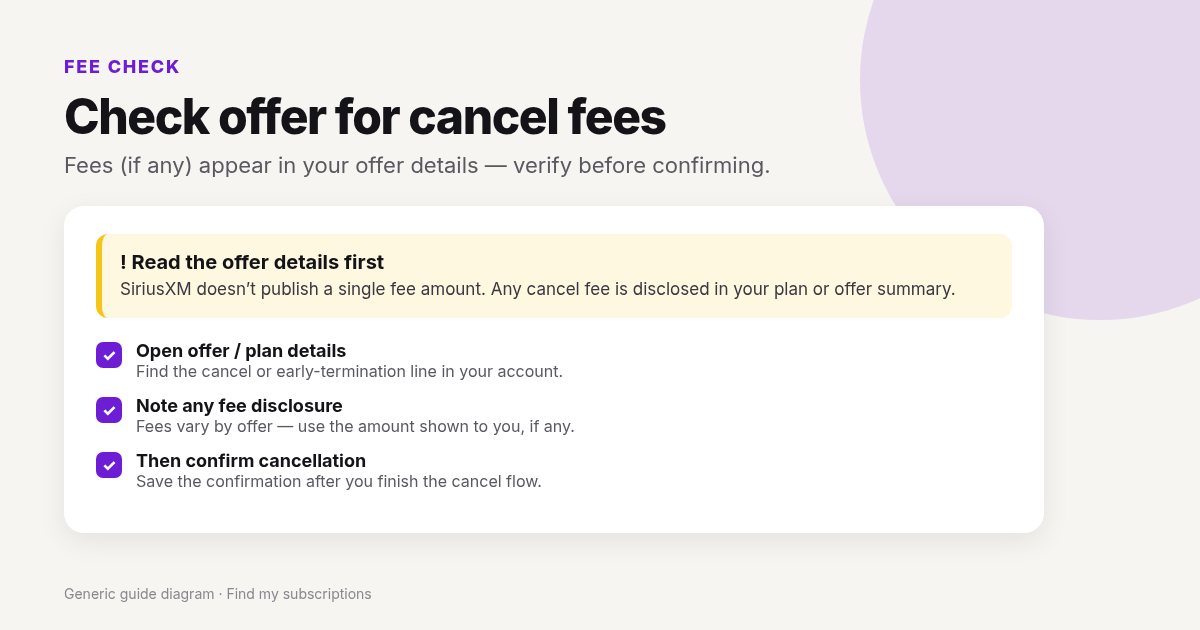
Customer Agreement: cancellation fees or early termination fees may apply to certain offers; any fee is disclosed in that offer’s details. SiriusXM doesn’t publish a single fee amount.
Audio plans purchased directly from SiriusXM: Help’s refund-policy FAQs describe Audio as generally non-refundable after grace windows; cancel turns off future renewals and you typically keep listening through the end of the current paid term (partial-period refunds only in limited grace cases — see refund policy FAQs).
Third-party billed (Apple / Google / Roku / carrier): that provider’s refund rules apply.
Transfer to another radio may involve a transfer fee (Customer Agreement) — that is not the same as a cancel fee; confirm if you transfer instead of cancel.
read your offer confirmation and account before assuming “no fee.”
Hard to cancel SiriusXM
Why this search intent is common (honest friction, not scare copy):
Billing-party fork — many people open the app while Apple, Google, Roku, or T-Mobile actually bills them.
Phone/chat paths for some direct plans feel slower than a one-click streamer cancel; Online Account Center Subscriptions + chat/phone are the official direct paths.
Retention / plan-change offers during cancel — you’re allowed to decline and finish cancel.
24-hour renewal rule — canceling too close to renewal can still charge a new period.
Vehicle trial / multi-subscription — canceling one subscription does not cancel others; selling the car does not cancel billing.
Keep confirmation + next statement proof; if charged after, match the billed party and use their dispute/support path.
Fees, contracts, and money at risk
Cancel fee: offer-specific / unknown unless disclosed on your plan — see H2 above.
Audio direct: cancel usually ends future charges; access through period end; prorated refunds only in limited grace cases per Help FAQs.
Prorating outside those cases: check your confirmation email.
Multiple radios/subscriptions: cancel each one you want stopped.
Charged after canceling
Missed the 24-hour pre-renewal window?
Apple/Google/Roku/T-Mobile still billing while you only called SiriusXM (or the reverse)?
Second vehicle / second subscription still active?
Offer-specific fee or renewal already processed?
Confirmation missing — cancel may not have finished?
If SiriusXM bills you: Online Account Center → Subscriptions tab (or siriusxm.com/myaccount for streaming app-only). You can also chat or call 866-635-8641. If a partner bills you, cancel with that partner.
Is there a SiriusXM cancellation fee?
Customer Agreement says cancellation/early-termination fees may apply to certain offers and will be disclosed in those offer details. SiriusXM doesn’t publish a single fee amount. Audio direct cancels often keep access through the paid term with limited grace refunds only (see SiriusXM refund-policy FAQs).
Why is SiriusXM hard to cancel?
Usually the wrong billed party, phone/chat friction, retention offers, the 24-hour renewal rule, or multiple subscriptions/vehicles. Match the statement descriptor first.
How do I cancel SiriusXM on iPhone?
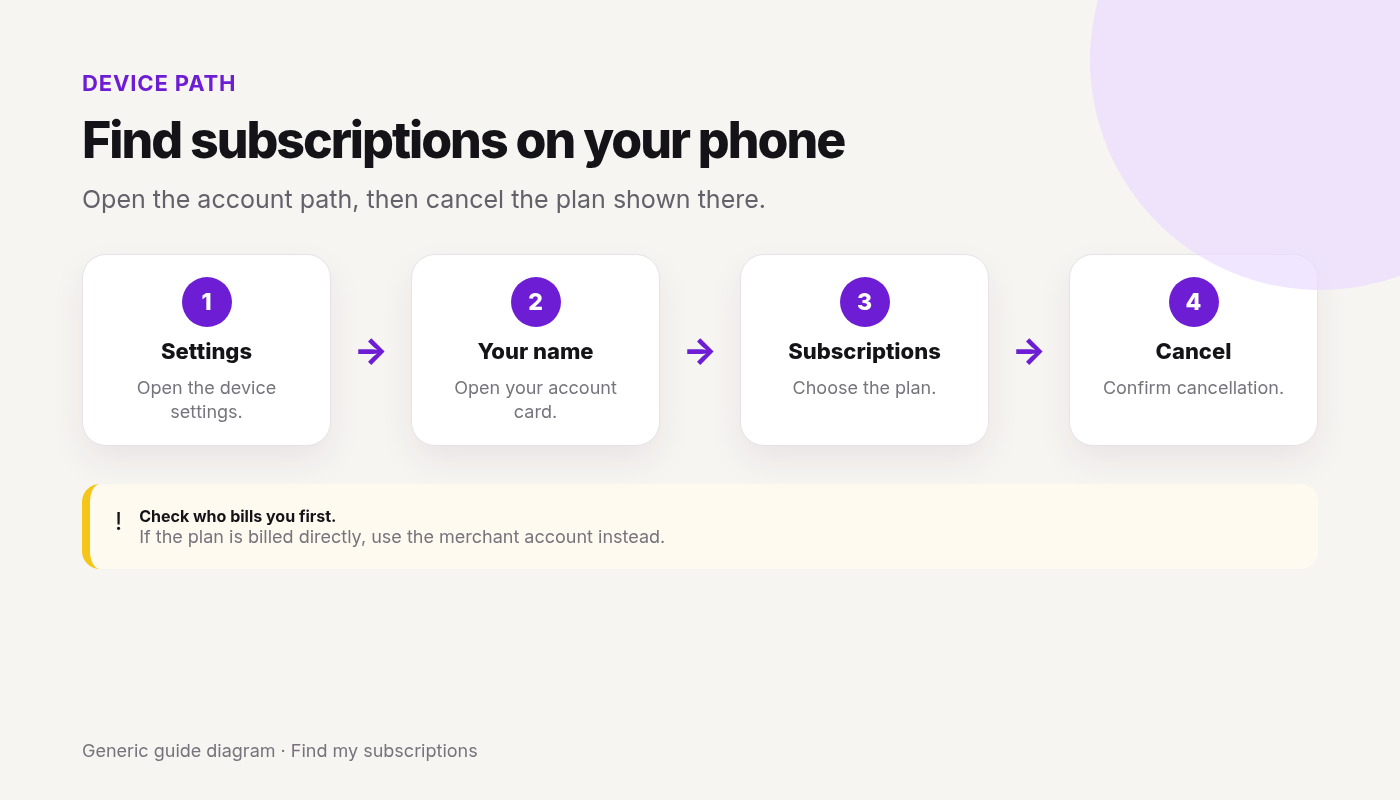
If Apple bills you: Settings → Subscriptions → SiriusXM → Cancel. If SiriusXM bills you, use Account Center / chat / phone (Safari is fine for web).
How do I cancel SiriusXM on Roku?
my.roku.com → manage subscriptions → cancel SiriusXM. You cannot cancel Roku-billed SiriusXM inside the SiriusXM app.
Does uninstalling the SiriusXM app cancel my subscription?
No. Neither does selling or trading in the vehicle.
Why was I charged after canceling SiriusXM?
Often renewal within 24 hours, partner billing still on, another subscription active, or cancel not confirmed.
How do I know cancellation worked?
Confirmation from SiriusXM or the billed partner + no unexpected renewals after the stated end date.
This guide covers how to cancel Spotify Premium in the United States. Steps and fees can vary by account, club, and agreement — treat official help pages and your contract as the source of truth.
Last checked 2026-10-18.
Quick answer
Open Manage your plan (or Account → Manage your plan) and check who bills you.
If Spotify bills you:Cancel subscription / Cancel Premium and finish confirmation.
Premium usually continues until the next billing date, then the account switches to free (ads).
If Apple / Google Play / a partner bills you, cancel there (or use the partner link under Payment) — wrong door = still charged.
Family / Duo: only the plan manager cancels the plan; a member leaving removes themselves, not the whole plan.
Canceling one service?
See what else is still charging this Google account — free discovery, no bank login.
Always match cancel to who bills you (account Payment line, bank statement, or receipt email).
Apple App Store / iPhone
If Apple bills your Spotify Premium:
iPhone: Settings → [Your Name] → Subscriptions.
Select Spotify → Cancel Subscription.
Confirm; keep Apple’s confirmation. Canceling only inside the Spotify app may not stop Apple billing.
Google Play / Android
If Google Play bills Premium:
Open Google Play → profile → Payments & subscriptions → Subscriptions.
Select Spotify → Cancel subscription.
Uninstalling the Spotify app does not cancel Play billing.
Spotify’s plan-change help also notes some Google Play plan changes must be done in the Spotify app (profile picture → Settings and privacy → Account → Your plan → See available plans) — cancel still must land with the billed party.
Partner / carrier / ISP billing
If Manage your plan has no cancel / change-plan option, Spotify says the plan is tied to a partner. On Manage your plan → check Payment for the partner contact/cancel link and cancel with that company.
Spotify form
Spotify Help also notes you can cancel by completing their cancel form and sending it to Spotify — prefer the account UI when available for a clear record.
Family / Duo plan
Per Spotify cancel help:
Plan manager: use the same cancel steps; tell members they’ll lose Premium from the next payment date. Canceling Family moves managed accounts to free (ad-supported).
Plan member: following cancel/leave steps removes you from the plan but does not cancel billing for the manager. Ask the manager to cancel or update payment.
Fees, contracts, and money at risk
Spotify Help describes cancel-anytime for Premium managed on the account page; you typically finish the paid period rather than pay a separate “cancel fee.”
Free trial (zero-priced): cancel carefully — Spotify says cancel during trial switches to free immediately.
Student / other plan types: still cancel through the billed party; eligibility rules are separate from cancel.
Prorating mid-cycle: check your confirmation email.
Partner-billed plans: partner may have different notice rules — check the partner.
Charged after canceling
Charge for the period you already owed (Premium until next billing date = often normal)?
Apple / Google / partner still billing while you only clicked around in the Spotify app?
Family manager never canceled — you only left as a member?
Second Spotify account still on Premium?
Trial converted to paid because cancel didn’t post before trial end?
Re-check Manage your plan + the store/partner; keep confirmation.
Retention offers
Spotify may offer plan changes or discounts while you cancel. You’re allowed to decline and finish Cancel subscription / Cancel Premium.
What you lose / what happens next
Ad-free listening, offline downloads (as applicable to your plan), and other Premium perks end when the paid period ends.
Playlists / library remain on free.
Family/Duo members lose Premium when the manager’s cancel takes effect.
Re-subscribe later may be at current public pricing.
Keep confirmation until the next statement is clean.
One cancel done. What else are you paying for?
After you finish this guide, see what other subscriptions may still be renewing.
Account → Manage your plan → Cancel subscription / Cancel Premium → confirm. Premium usually lasts until the next billing date, then free.
How do I cancel Spotify Premium if Apple bills me?
Cancel in Apple Subscriptions. Confirm Spotify Payment no longer shows Apple as active after the period ends.
How do I cancel Spotify Premium on Google Play?
Play Store → Payments & subscriptions → Subscriptions → Spotify → Cancel. Uninstalling the app is not enough.
Who cancels a Spotify Family plan?
Only the plan manager cancels the plan. Members can leave; that does not stop the manager’s bill.
Is there a Spotify Premium cancellation fee?
Spotify Help describes cancel-anytime for account-billed Premium; you generally finish the paid period. Verify on your confirmation. Partner plans may differ.
Why was I charged after canceling Spotify Premium?
Often remaining paid days, store/partner billing still active, or Family manager never canceled.
Does deleting the Spotify app cancel Premium?
No.
How do I know it worked?
Plan status on Manage your plan + confirmation + no new unexpected charges after the stated end date.