How to Cancel Coursera Plus (2026)
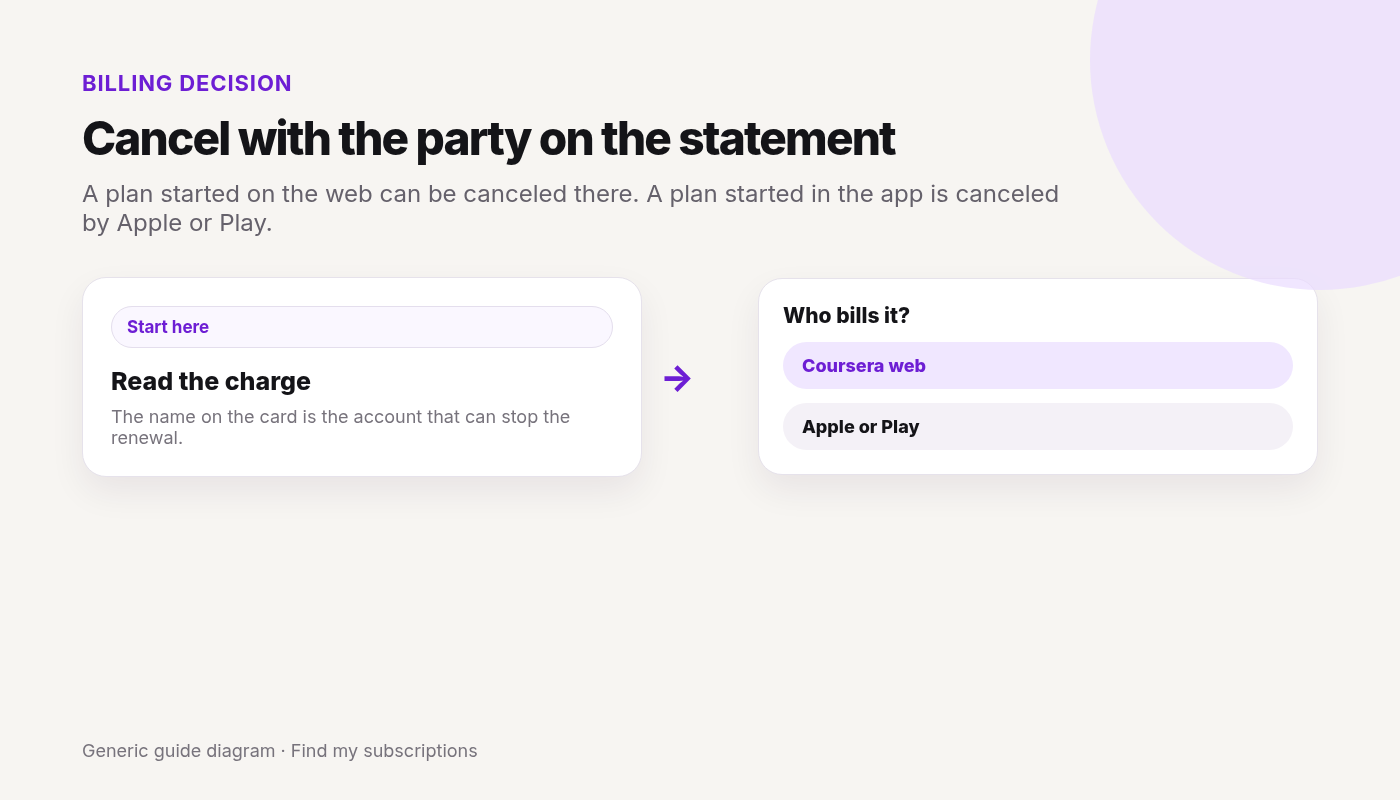
Checked 2026-10-04. Official source: Cancel a subscription. A plan started on Coursera.org can be canceled on the web or in the app. A plan started in the mobile app is managed by Apple or Google Play, and cancel will not show on the website.
Quick answer
- Web: Purchases → Subscriptions → Cancel subscription.
- App, for a web-started plan: settings gear → My Subscriptions → Manage Subscription → Cancel subscription.
- Subscribed inside the app: cancel in Apple or Google Play.
- Cancel stops future payments. It does not refund payments already made.
- Starting Coursera Plus does not cancel other Coursera subscriptions. Cancel those too. Course progress stays.
Learning budget under review? Also see how to cancel Skillshare.
Canceled Coursera and still not sure what else renews on this Google account? Free discovery, no bank login.
Free discovery, no bank login.
Continue with Google · No bank login
Coursera is only one charge.
See what else is still charging this Google account.
Free discovery · No bank login · Works on mobile