How to Cancel Dropbox (2026)
Checked 2026-10-04. Official sources: Cancel or change a Dropbox subscription and cancel a mobile purchase. This is an individual plan.
Quick answer
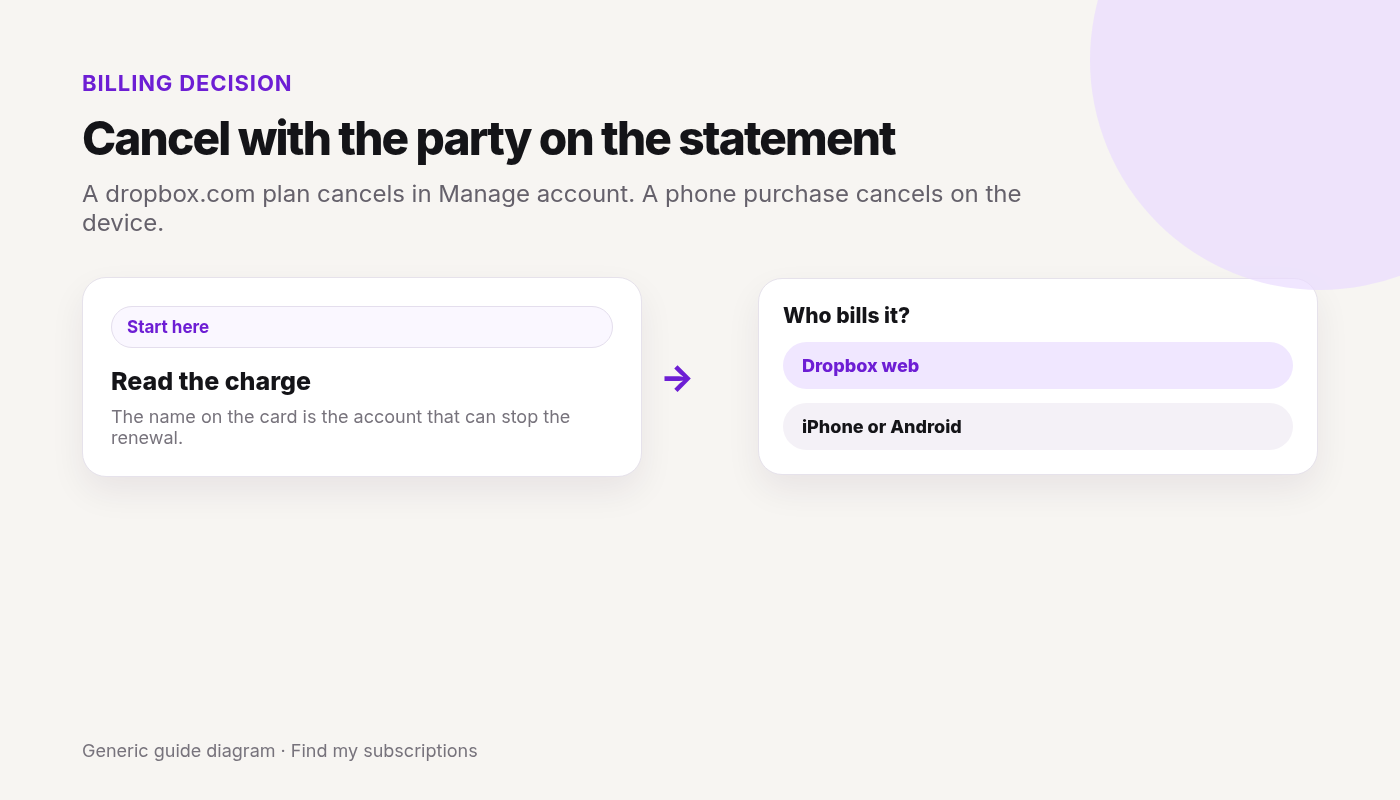
- Bought on dropbox.com: avatar at the bottom left → Manage account → Cancel plan.
- Pick a reason and confirm. Dropbox emails you. The account becomes free Dropbox Basic at the end of the billing cycle.
- iPhone or iPad: Settings → your name → Subscriptions → Dropbox → Cancel Subscription.
- Android: Dropbox app → Account → Manage your subscription → How to cancel → Cancel subscription.
Canceled Dropbox and still not sure what else renews on this Google account? Free discovery, no bank login.
Free discovery, no bank login.
Continue with Google · No bank login
Dropbox is only one charge.
See what else is still charging this Google account.
Free discovery · No bank login · Works on mobile