How to Cancel Super Duolingo (2026)
Checked 2026-10-04. Official source: Cancel my Super Duolingo subscription. Deleting the app or the account does not cancel.
Quick answer
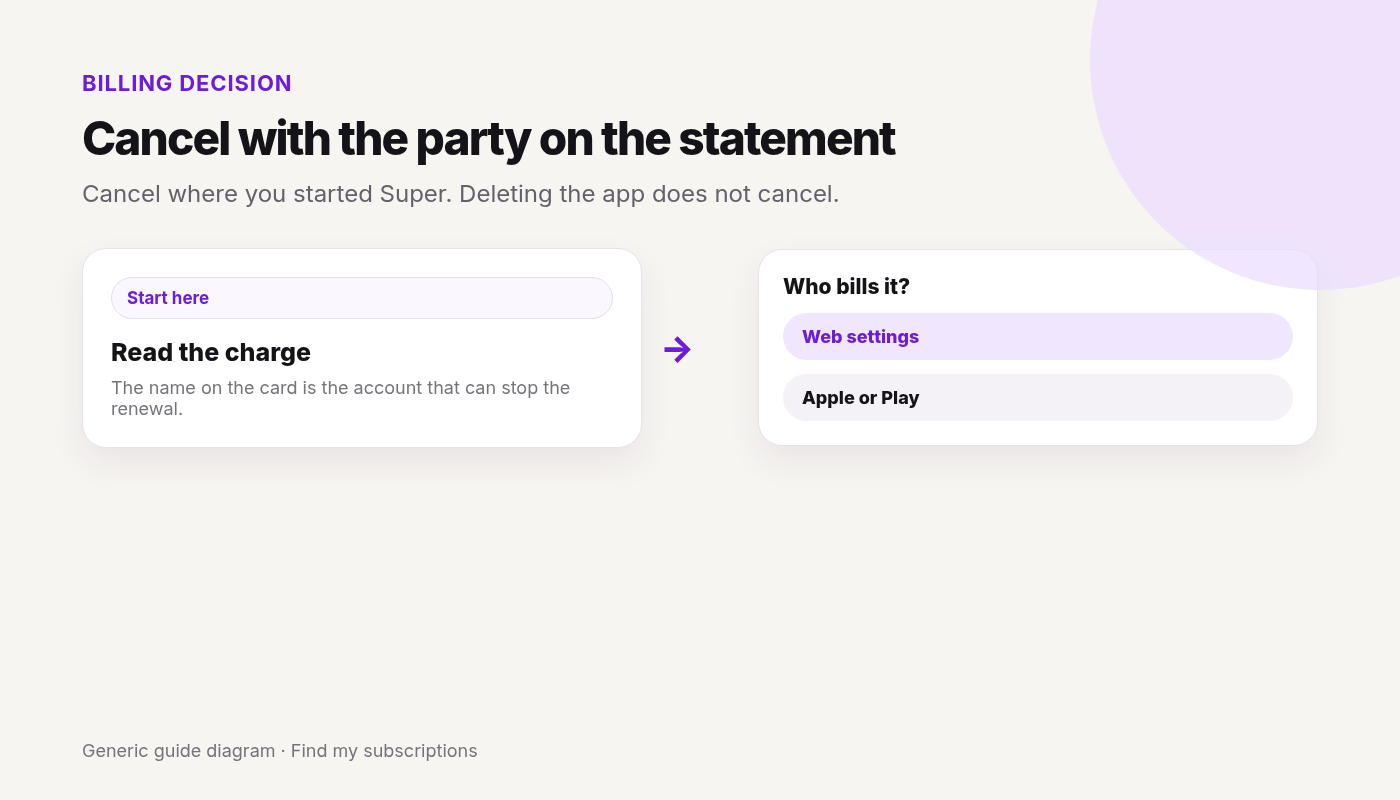
- Cancel where you subscribed.
- In the app: Super icon → Settings → Manage subscription → Cancel subscription, then confirm in Google Play, the App Store, or Alipay.
- On the web: profile photo → Settings → Super Duolingo → Cancel subscription.
- If you subscribed in the phone’s store settings, cancel there. Duolingo points iOS users to Apple’s steps.
- Super features last until the period ends. Streak and course progress stay. Cancel does not refund the time left.
Canceled Super and still not sure what else renews on this Google account? Free discovery, no bank login.
Free discovery, no bank login.
Continue with Google · No bank login
Super is only one charge.
See what else is still charging this Google account.
Free discovery · No bank login · Works on mobile