In Nord’s help, canceling a subscription means turning off auto-renewal in your Nord Account:
Your plan keeps working until the end of the period you paid for, then stops instead of renewing.
If you searched “unsubscribe from NordVPN,” this is the step that stops future charges: Nord Account → billing → Cancel next to auto-renewal → cancel auto-renewal.
Turning off auto-renewal doesn’t refund the current period. A refund is a separate request (see below).
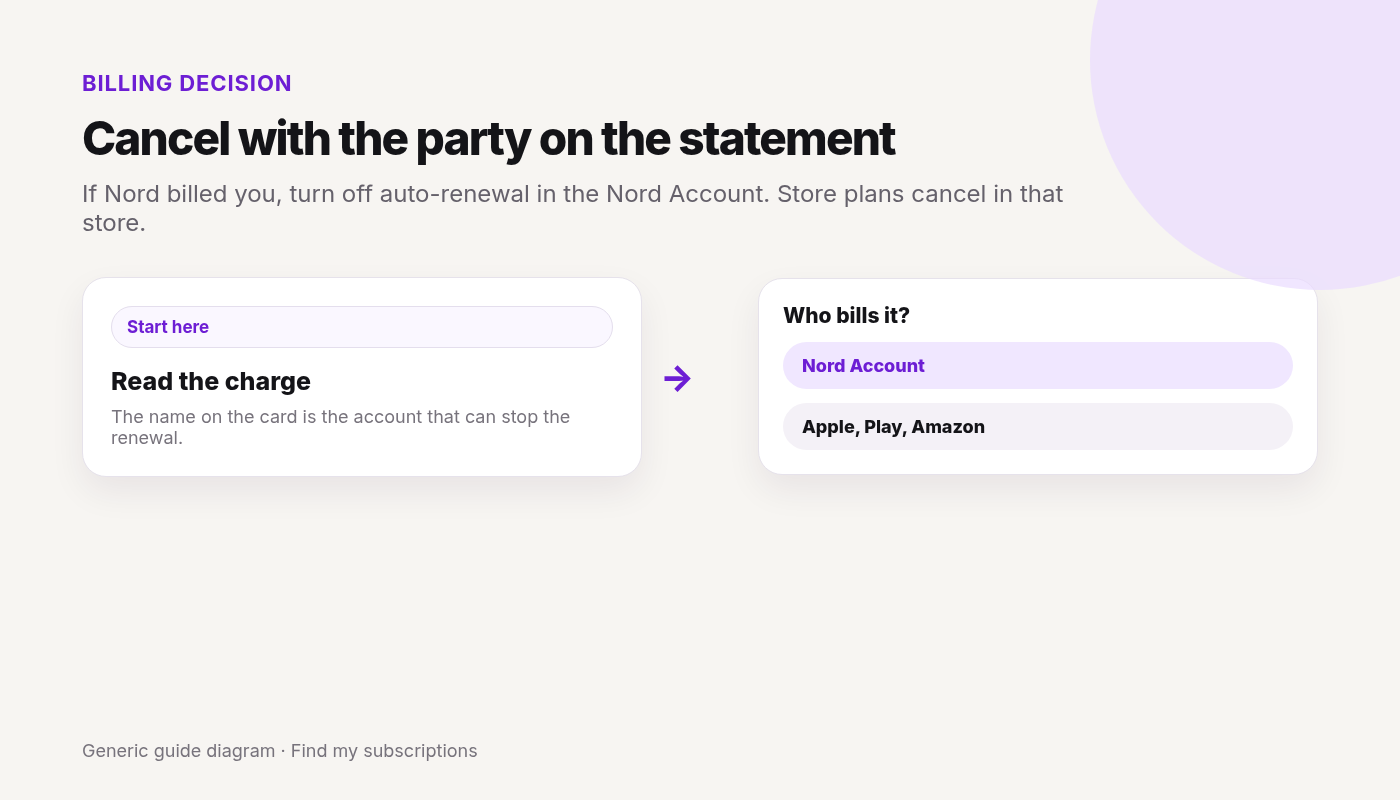
Who bills you: Nord or the store?
Cancel with whoever charged you. The charge on your statement tells you which:
Bought on the NordVPN website: Nord Account → billing → cancel auto-renewal.
Apple App Store: cancel in your Apple subscriptions. Nord can’t issue refunds for Apple payments — Apple’s refund rules apply.
Google Play: cancel in Google Play subscriptions. Nord’s support can handle refunds for Google Play payments within its refund terms, and Google Play also accepts refund requests for payments made in the last 48 hours.
Amazon Appstore: cancel in your Amazon Appstore subscriptions; refunds go through Amazon Support.
Retailer or reseller (a physical store, online shop, or marketplace such as Best Buy or StackSocial): contact the seller about refunds.
Refunds after canceling
Per Nord’s refund policy, new subscriptions get a 30-day money-back guarantee on the first purchase only. Renewals aren’t covered, unless local law says otherwise.
To request one, contact Nord support via live chat. Eligible payments show a Refund button in your account.
Refunds can take up to 10 business days to reach you, depending on your payment method.
FAQ
How do I cancel my NordVPN subscription?
If you bought from Nord, log in to your Nord Account, open the billing tab, click Cancel next to auto-renewal, and confirm. If you bought through Apple, Google Play, or Amazon, cancel in that store.
Is canceling NordVPN the same as unsubscribing?
Yes. Nord calls it canceling auto-renewal. Your plan keeps working until the paid period ends, then it stops renewing.
Does canceling NordVPN give me a refund?
No. Canceling auto-renewal only stops future charges. First purchases have a 30-day money-back guarantee you request through Nord support; store purchases follow the store’s rules.
Why can’t I find my NordVPN plan in my Nord Account billing tab?
You may have bought it through Apple, Google Play, Amazon, or a retailer. Cancel with whoever charged you.
Nord is only one charge.
See what else is still charging this Google account.
Checked 2026-10-04. Official source: Cancel a Canva plan. Match the statement to Canva, Google, Apple, or PayPal, then cancel there. Only a paid, active plan can be canceled.
Quick answer
Sign in to the Canva account or team on the receipt.
Profile → Settings → Billing.
Cancel plan → Continue cancellation → a reason → Continue cancellation → Cancel subscription.
Google Play or the App Store: Canva can’t cancel those in the app. Cancel in the store. Uninstalling does not cancel.
PayPal: cancel the Canva automatic payment in PayPal.
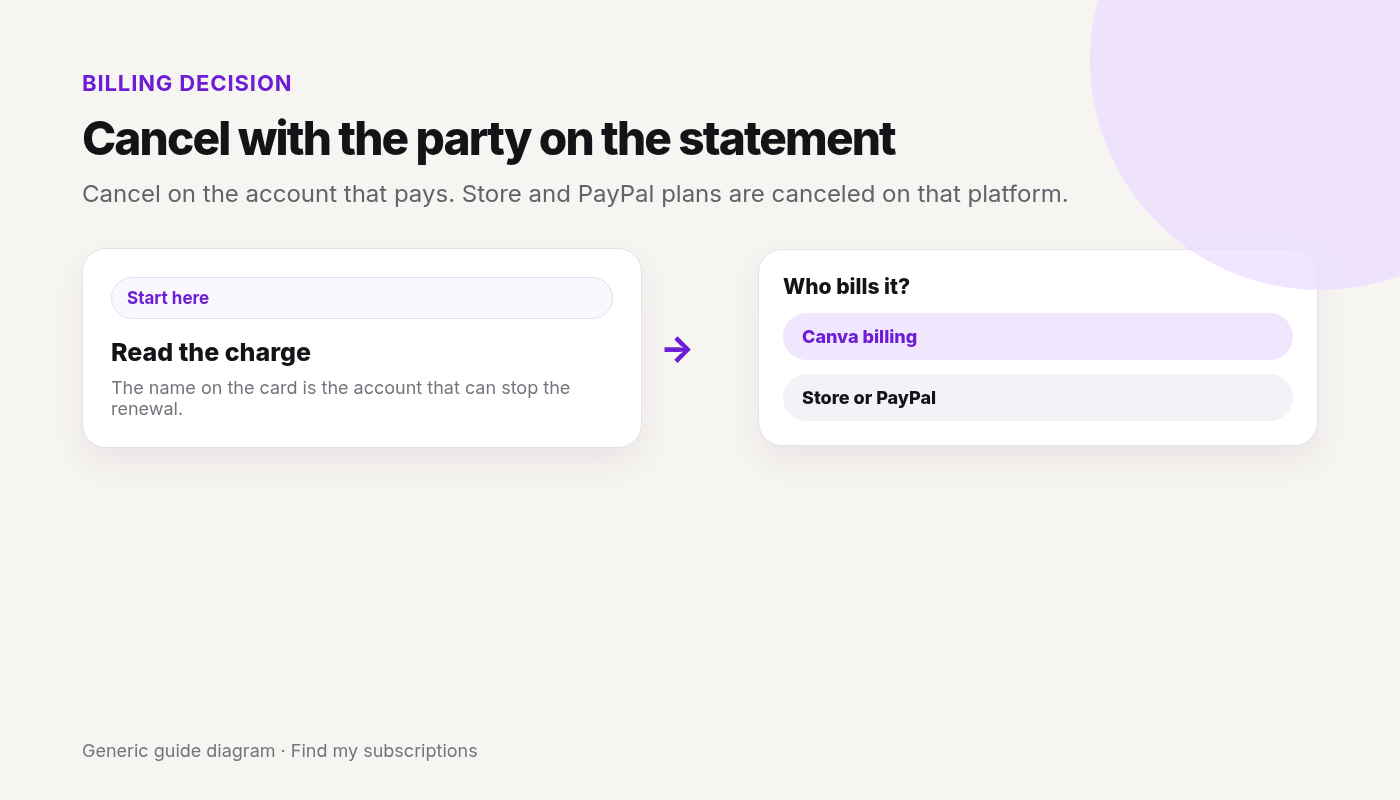
Cancel on the account that pays. Store and PayPal plans are canceled on that platform.
Canceled Canva and still not sure what else renews on this Google account? Free discovery, no bank login.
Checked 2026-10-04. Official source: How do I cancel my subscription?. Canceling stops automatic renewal. Paid features stay through the current period.
Quick answer
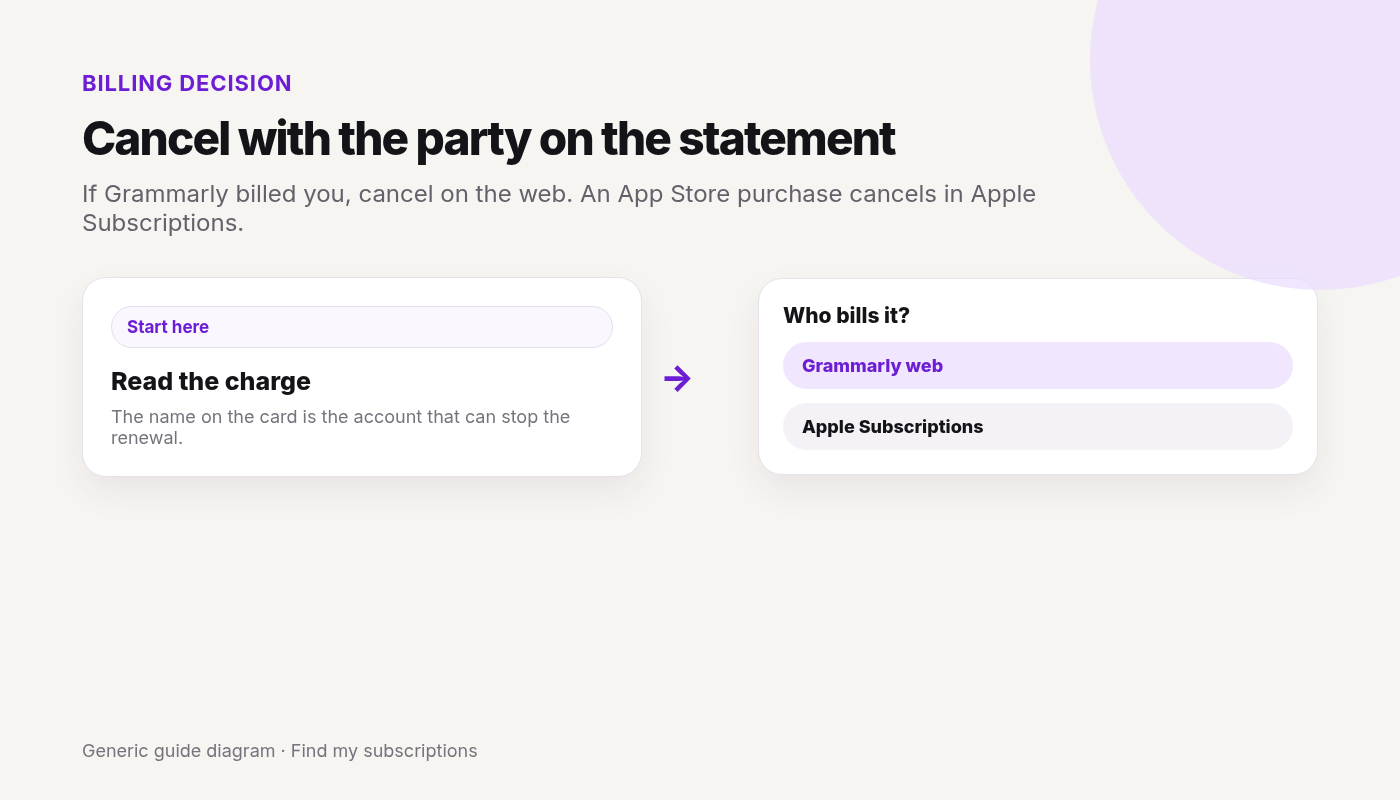
If the charge is from Grammarly, sign in on the web (on a phone, use account.grammarly.com).
A Superhuman subscription canceled through the linked Grammarly account applies across the Superhuman suite.
If you can’t open the paid account, contact Grammarly Support. Don’t send a full card number.
Deleting the account is a separate article. Cancel the subscription first if you only want the charges to stop.
Grammarly’s refund article says you can cancel anytime, and refunds are issued only if required by law. An App Store refund is requested from Apple. Can I get a refund?
This covers Claude Pro and Max bought on claude.ai, Claude Desktop, Claude for iOS, or Claude for Android. It does not cover Team or Enterprise. Cancel on the platform you signed up on.
Last checked 2026-10-28.
Quick answer
See where you started the plan: claude.ai / Desktop, iOS, or Android.
Web or Desktop: initials or name (lower left) → Settings → Billing → Cancel.
iOS: initials (top right) → Billing → Manage subscription, then follow Apple’s prompts. If the app is gone, cancel in Apple Subscriptions.
Android: initials (top right) → Billing → Manage subscription, then follow Google Play’s prompts. If the app is gone, cancel in Google Play subscriptions.
Cancel at least 24 hours before the next billing date. The paid plan stays until the end of the period you already paid. Removing the app is not cancel.
Canceled Claude and still not sure what else renews?
See what else is still charging this Google account. Free discovery, no bank login.
Pro: $20 per month in the US, or a discounted annual plan billed once a year (What is the Pro plan?).
Max: monthly only. Max 5x is $100 per month and Max 20x is $200 per month on the web. App store prices may differ (What is the Max plan?).
Max monthly API credits: they can’t be refunded. If you cancel, new monthly credits stop, and credits you already have stay usable until they expire.
Prices are Anthropic’s published web prices as of 2026-10-28. Check your app store for the price you pay there.
Cancel on the platform you signed up on
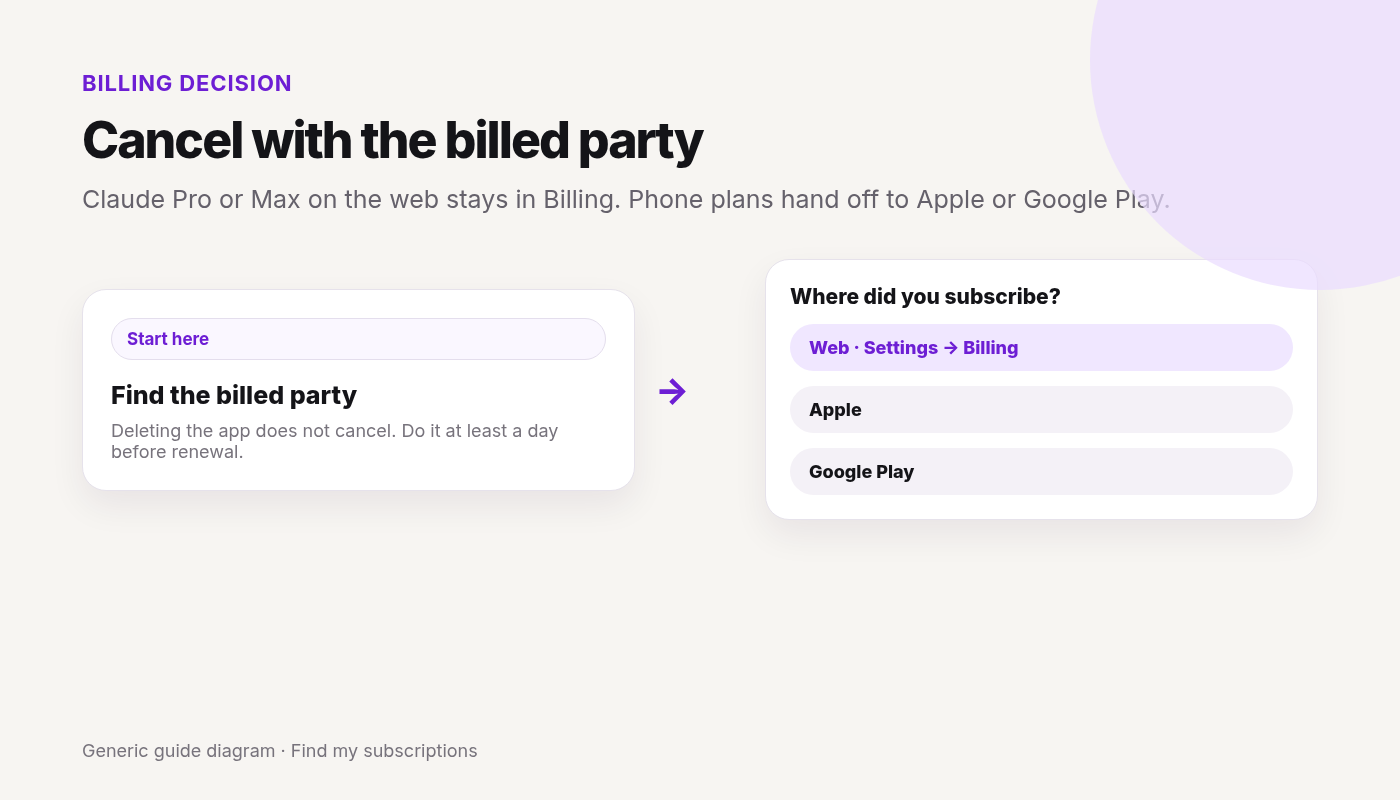
Anthropic bills a web or Desktop plan itself. An iOS plan is billed by Apple. An Android plan is billed by Google Play. The cancel button in the wrong place will be missing.
Cancel in Billing on the web, or with Apple or Google Play if the phone plan handed you there.
Signed up on claude.ai or Claude Desktop: Anthropic bills you. Cancel in Settings → Billing → Cancel.
Signed up in Claude for iOS: Apple bills you. Cancel in the app’s Billing → Manage subscription, or in Apple Subscriptions.
Signed up in Claude for Android: Google Play bills you. Cancel in the app’s Billing → Manage subscription, or in Google Play subscriptions.
Continue with Google · Free discovery · No bank login · Works on mobile
Web and Claude Desktop
If you signed up on claude.ai or Claude Desktop (Mac, Windows, or Linux):
Log in on the web, or open the desktop app.
Click your initials or name in the lower left.
Select Settings.
Open Billing.
Click Cancel.
Claude for iOS
Apple handles the payment.
Open Claude for iOS.
Tap your initials in the top right.
Tap Billing.
Tap Manage subscription and follow the prompts.
If you already removed the app, cancel in Apple Subscriptions: Settings → your name → Subscriptions → Claude → Cancel Subscription. Store path: Cancel subscriptions on iPhone.
Access after canceling: what cancel does and doesn’t
Cancel takes effect at the end of the current billing period. You can keep using the paid plan until then.
Cancel at least 24 hours before the next billing date, or you can still be charged for the next period.
Max monthly API credits: new credits stop after you cancel, and credits you already have stay usable until they expire.
Removing the app does not cancel an iOS or Android plan. Use the store if the app is gone.
Deleting the Claude account is not the cancel step. Anthropic’s delete article says to cancel from Billing first, wait until the subscription period ends, then delete. Delete your Claude account. Delete ≠ cancel.
Cancel is not a refund. Refunds are a separate request (see below).
Rule: except as stated in Anthropic’s Consumer Terms or where the law requires, all payments are non-refundable.
Paid on the web or Desktop: click your initials or name (lower left) → Get help → Send us a message → Accept → Claude Refund Request. Pick a reason and follow the eligibility prompts. If you’re eligible, the support chat cancels and refunds your plan.
EEA and UK: you may get a refund within 14 days of purchase, prorated by your use. The option may show in Settings.
Paid on iPhone (Apple): only Apple can refund. Go to reportaproblem.apple.com → I’d like to → Request a refund. An Apple refund request doesn’t cancel the subscription, so cancel too.
Paid on Android (Google Play): contact Claude Support. For an inactive subscription, include your Google Play email or GPA order number.
Bank dispute open? Anthropic can’t process a refund while the dispute is pending.
If you can’t sign in
If you lost the email on a paid plan and can’t log in, Claude’s email-change article says to contact Support from an address you can open, and copy the old email, confirming you want that subscription canceled. Don’t send a full card number.
FAQ
How do I cancel my Claude Pro subscription?
If you signed up on claude.ai or Claude Desktop, click your initials or name (lower left) → Settings → Billing → Cancel. If you signed up in the iOS or Android app, tap your initials (top right) → Billing → Manage subscription and follow Apple’s or Google Play’s prompts.
How do I cancel Claude Max?
The same way as Pro. Cancel on the platform you signed up on: Settings → Billing → Cancel on the web or Desktop, or Billing → Manage subscription in the iOS or Android app.
Can I cancel my Claude plan on iPhone?
Yes, if you subscribed in Claude for iOS. Tap your initials → Billing → Manage subscription. If you already removed the app, cancel in your Apple subscriptions. A plan bought on claude.ai is canceled in Settings → Billing, not through Apple.
Do I keep Claude Pro after I cancel?
Yes. Anthropic says your cancellation takes effect at the end of your current billing period, and you can keep using your paid plan until then.
Can I get a refund for Claude Pro or Max?
Anthropic says payments are non-refundable except as stated in its Consumer Terms or where required by law. To ask, use Get help → Send us a message → Claude Refund Request. In the EEA and UK, you may get a refund within 14 days of purchase, prorated by use. Apple purchases are refunded only by Apple.
What happens to Max monthly API credits when I cancel?
New monthly credits stop. Credits you already have stay usable until they expire, and they can’t be refunded.
Where do I cancel Claude Pro or Max?
On the platform you signed up on. Web or Desktop: Settings → Billing → Cancel. iOS or Android: Billing → Manage subscription, which hands you to Apple or Google Play.
Does deleting the Claude app cancel Pro?
No. If you subscribed in the iOS or Android app, cancel in that store. Anthropic’s help page points to Apple’s and Google Play’s subscription steps when the app is already gone.
Does deleting my Claude account cancel the plan?
Cancel in Billing first. Anthropic says to wait until the paid period ends, then delete the account.
How soon do I have to cancel?
At least 24 hours before the next billing date. Access usually lasts through the period you already paid.
Will I get a refund when I cancel?
Not from the cancel button. Canceling stops the next renewal. A refund is a separate request through Get help → Claude Refund Request, or through Apple if you paid on iPhone.
What about Team or Enterprise?
This page is Pro and Max only. An organization plan is canceled by whoever manages that workspace’s billing, not by the personal Settings path above.
Checked 2026-10-03. Official source: Canceling your ChatGPT subscription (OpenAI Help, updated the same day). This covers personal ChatGPT plans bought on the web, the Apple App Store, or Google Play, plus a short note on self-service ChatGPT Business. It does not cover ChatGPT Enterprise or Edu. Labels can change — cancel in the account that matches the charge.
Quick answer
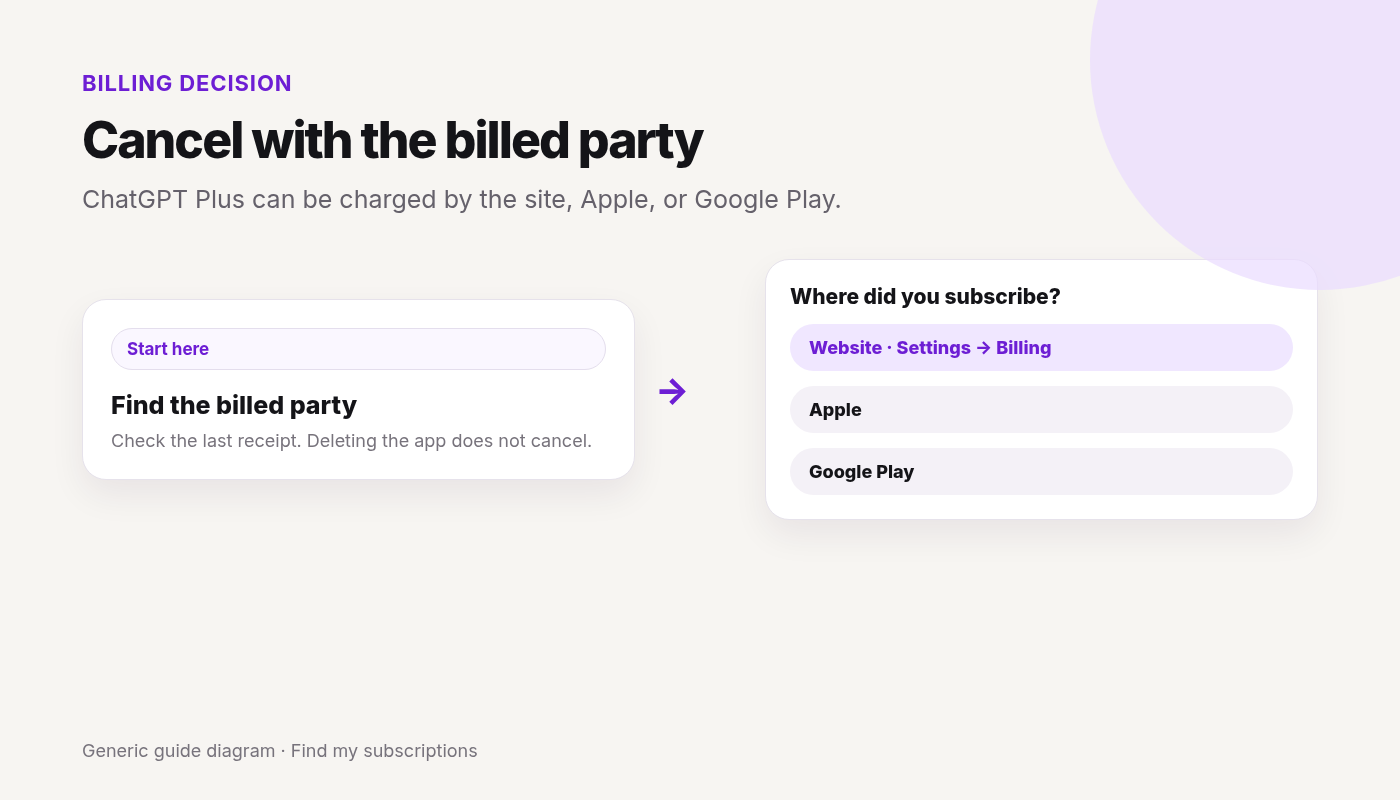
Read the receipt or statement and see who billed you: ChatGPT / OpenAI, Apple, or Google Play.
Cancel on that platform. A plan bought on chatgpt.com does not show up in Apple or Google subscriptions, and the other way around.
On the web: ChatGPT → account menu → Settings → Billing → Cancel plan → Cancel.
On Apple: Settings → your name → Subscriptions → ChatGPT → Cancel Subscription.
On Google Play: Play Store → Subscriptions → ChatGPT → Cancel subscription. Use the Google account that paid.
Cancel at least 24 hours before the next billing date. Uninstalling the app does not cancel. Deleting the ChatGPT account does not cancel an Apple (or other store) subscription.
Canceled Plus and still not sure what else renews?
See what else is still charging this Google account. Free discovery, no bank login.
A subscription purchased on chatgpt.com does not appear in Apple or Google Play subscriptions.
Apple App Store
Apple manages this subscription. On an iPhone or iPad:
Open Settings.
Select your name.
Select Subscriptions.
Select ChatGPT.
Select Cancel Subscription and confirm.
If Cancel Subscription is not there and an expiration date is shown, it may already be canceled. Deleting your ChatGPT account does not cancel an App Store subscription. Cancel through Apple first. More on the store path: Cancel subscriptions on iPhone.
Google Play
Sign in to the Google account that bought ChatGPT. If it isn’t listed, check each Google account on the device.
If you can’t open workspace billing, ask the workspace owner. Enterprise and Edu are outside this page.
What cancel does, and what it doesn’t
Cancel at least 24 hours before the next billing date, or the next period may already be charged.
After a normal cancel, paid features stay until the end of the current billing period.
Canceling stops future renewals. It does not automatically refund earlier charges.
If a refund is granted, access covered by that charge can end sooner. Web and Google Play refund requests go through OpenAI Support while you’re signed into the ChatGPT account on the charge. Apple refunds go to Apple. OpenAI’s cancel article names a separate refund help page for eligibility. Don’t treat cancel itself as a refund.
Uninstalling the app does not cancel. Deleting the ChatGPT account cancels plans billed by ChatGPT. It does not cancel an Apple App Store subscription. If you subscribed through Apple or Google Play, cancel in that store before you delete the account. Delete ≠ cancel.
If you can’t sign in
If ChatGPT bills you and you can no longer use the account email, OpenAI Support can help cancel. Their help page says to include the account email, the payment card’s last four digits, and the latest subscription payment date. Don’t send the full card number.
If Apple or Google Play bills you and you can’t open that store account, use Apple or Google account recovery. ChatGPT can’t cancel a store subscription you bought there.
Two charges
OpenAI says to check whether you have subscriptions under different ChatGPT, Apple, or Google accounts. Cancel each one on the platform that billed it. You don’t need a separate plan per device if you sign in to the same ChatGPT account.
If a charge hits after you canceled, check the confirmation and the next billing date. A cancel inside the last 24 hours can still let that charge through. Also check a second account or store.
FAQ
Where do I cancel ChatGPT Plus?
On the platform that billed you: chatgpt.com (Settings → Billing → Cancel plan), Apple Subscriptions, or Google Play subscriptions.
Does deleting the ChatGPT app cancel Plus?
No. Uninstalling does not cancel. Cancel on the web, Apple, or Google Play, matching the purchase.
Does deleting my ChatGPT account cancel the subscription?
It cancels a plan billed by ChatGPT. It does not cancel an Apple App Store subscription. Cancel store plans in the store before you delete the account.
How soon do I have to cancel?
At least 24 hours before the next billing date, or you may be charged for the next period. Paid features usually last until the end of the period you already paid.
Will I get a refund?
Not automatically. Apple refunds are requested from Apple. Web and Google Play refund requests go through OpenAI Support. Eligibility depends on the purchase and location.
Why don’t I see the plan in Settings?
You may be signed into a different ChatGPT account, or the plan was bought in Apple or Google Play. Check the receipt, then that store. A web plan will not be in the store list.
This guide covers how to cancel Norton in the United States. Steps and fees can vary by account, club, and agreement — treat official help pages and your contract as the source of truth.
Sign in to your Norton account → My Subscriptions → Cancel Subscription Renewal or Manage Renewal → Unsubscribe next to Plan Renewal → decline retention if shown → confirm. Allow up to 24 hours for the change to show.
Will I keep protection after turning off renewal?
Yes through the end of the already paid term, then it ends and won’t auto-renew (per Norton Help).
Is uninstalling Norton the same as canceling?
No. Uninstall removes software; billing/auto-renew is managed on the Norton account (or the store that billed you).
How do I cancel if Apple or Google bills Norton?
Cancel in Apple Subscriptions or Google Play Subscriptions for that purchase.
Is there a Norton cancellation fee?
Norton’s stop-auto-renew article focuses on ending renewal and finishing the paid term. Refunds for recent charges go through Member Services. Norton doesn’t publish a fixed cancellation fee. Check your confirmation or agreement.
Why was I charged after canceling Norton?
Often renewal already processed, wrong account, store billing still active, or change not yet reflected (Help cites up to ~24 hours).
This guide covers how to cancel McAfee in the United States. Steps and fees can vary by account, club, and agreement — treat official help pages and your contract as the source of truth.
Quick answer
Sign in at McAfee account / dashboard → subscription / billing / auto-renewal.
Turn off auto-renewal or Cancel subscription and confirm.
If Apple / Google Play / OEM bills you, cancel with that party.
Uninstalling McAfee does not stop billing.
Save confirmation; watch the next renewal date.
Canceling one service?
See what else is still charging this Google account — free discovery, no bank login.
App-store / partner billing if relevant — platform-specific paths
Apple / iPhone
Settings → [Your Name] → Subscriptions.
Select McAfee → Cancel Subscription.
App-only cancel may not stop Apple billing.
Google Play / Android
Play Store → Payments & subscriptions → Subscriptions.
Select McAfee → Cancel subscription.
Uninstalling the app does not cancel Play billing.
Other partners
If Amazon, Microsoft, OEM, or a retailer bills you, cancel in that store’s subscription manage page and confirm the merchant account no longer expects renewal.
Fees or commitment (if any) — fees, contracts, and money at risk
Stopping renewal usually continues protection through the already paid period — confirm on your plan card.
Refund windows are purchase-specific — not guaranteed here.
Yellow: OEM preinstall renewals are a common wrong-door problem.
Charged after canceling
OEM / store still billing while you only uninstalled?
This guide covers how to cancel LifeLock in the United States. Steps and fees can vary by account, club, and agreement — treat official help pages and your contract as the source of truth.
Last verified: 2026-09-28 · Official source reviewed: LifeLock refund policy · Norton/LifeLock account subscriptions
Quick answer
Sign in to your Norton / LifeLock account.
My Subscriptions → cancel / stop renewal for LifeLock.
Decline retention if you intend to cancel; save confirmation.
Store-billed? Cancel in Apple/Google/partner.
Uninstalling apps ≠ cancel.
Canceling one service?
See what else is still charging this Google account — free discovery, no bank login.
App-store / partner billing if relevant — platform-specific paths
Apple / iPhone
Settings → [Your Name] → Subscriptions.
Select LifeLock → Cancel Subscription.
App-only cancel may not stop Apple billing.
Google Play / Android
Play Store → Payments & subscriptions → Subscriptions.
Select LifeLock → Cancel subscription.
Uninstalling the app does not cancel Play billing.
Other partners
If Amazon, Microsoft, OEM, or a retailer bills you, cancel in that store’s subscription manage page and confirm the merchant account no longer expects renewal.
Fees or commitment (if any) — fees, contracts, and money at risk
Service usually continues through the paid term after stop-renewal — confirm.
Refund amounts unknown here.
Yellow: high-friction renewals — keep written proof.
Charged after canceling
Renewal already billed?
Norton 360 bundle vs standalone LifeLock still renewing?
How to Cancel ExpressVPN & Turn Off Auto-Renewal (2026)
To turn off ExpressVPN auto-renewal, sign in to My subscription on expressvpn.com and click Cancel subscription under Automatic renewal — you keep access until the last day of your current cycle. If you subscribed through Apple or Google Play, cancel in that store instead; you can’t cancel inside the ExpressVPN app.
If you bought on expressvpn.com, open My subscription, click Cancel subscription under Automatic renewal, and follow prompts. You can use the service until the last day of the current cycle.
Can I cancel ExpressVPN inside the app?
No. ExpressVPN Help says you must cancel on the website or the app store where you purchased — not inside the ExpressVPN app.
How do I cancel ExpressVPN on iPhone?
If Apple bills you: App Store profile → Subscriptions → ExpressVPN → Cancel Subscription. Cancel at least 24 hours before trial/renewal end per ExpressVPN store notes.
How do I cancel ExpressVPN on Google Play?
Play Store → profile → Payment & subscriptions → Subscriptions → ExpressVPN → Cancel Subscription.
Is there an ExpressVPN cancellation fee?
ExpressVPN’s cancel guide describes stopping automatic renewal and keeping access through the current cycle. ExpressVPN doesn’t publish a fixed cancellation fee. Check your My subscription / store confirmation.
What about Bitcoin or Paymentwall purchases?
ExpressVPN Help says those purchases do not auto-renew, so manual cancel usually isn’t needed.
Why was I charged after canceling ExpressVPN?
Often canceled inside the app only, wrong store account, or missed the 24-hour pre-renewal window on a store trial.