Checked 2026-10-04. Official source: AMC+ FAQs. Their cancel answer is to manage the account wherever you subscribed. A plan from Apple, Roku, Xfinity, and similar providers does not log in as a subscription on AMC’s own website or app.
Quick answer
Use the name on the statement or the signup email.
AMC’s FAQ names these account homes for provider plans: my.xfinity.com, my.dish.com, accounts.sling.com, DirecTV, and YouTube TV.
Store plans go to that store. The FAQ points to Apple, Amazon, and Roku support.
Deleting the AMC+ app does not cancel the account that charges you.
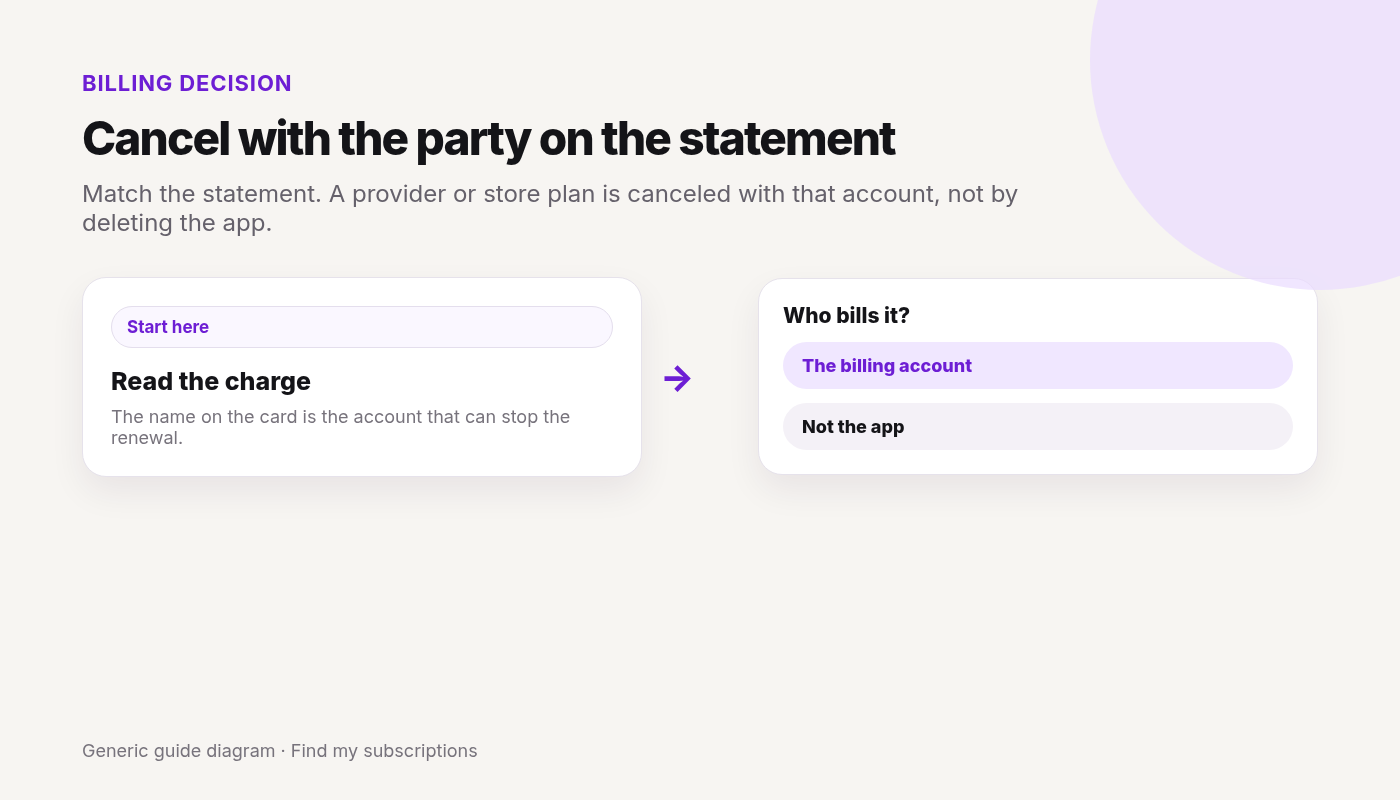
Match the statement. A provider or store plan is canceled with that account, not by deleting the app.
Canceled AMC+ and still not sure what else renews on this Google account? Free discovery, no bank login.
In Nord’s help, canceling a subscription means turning off auto-renewal in your Nord Account:
Your plan keeps working until the end of the period you paid for, then stops instead of renewing.
If you searched “unsubscribe from NordVPN,” this is the step that stops future charges: Nord Account → billing → Cancel next to auto-renewal → cancel auto-renewal.
Turning off auto-renewal doesn’t refund the current period. A refund is a separate request (see below).
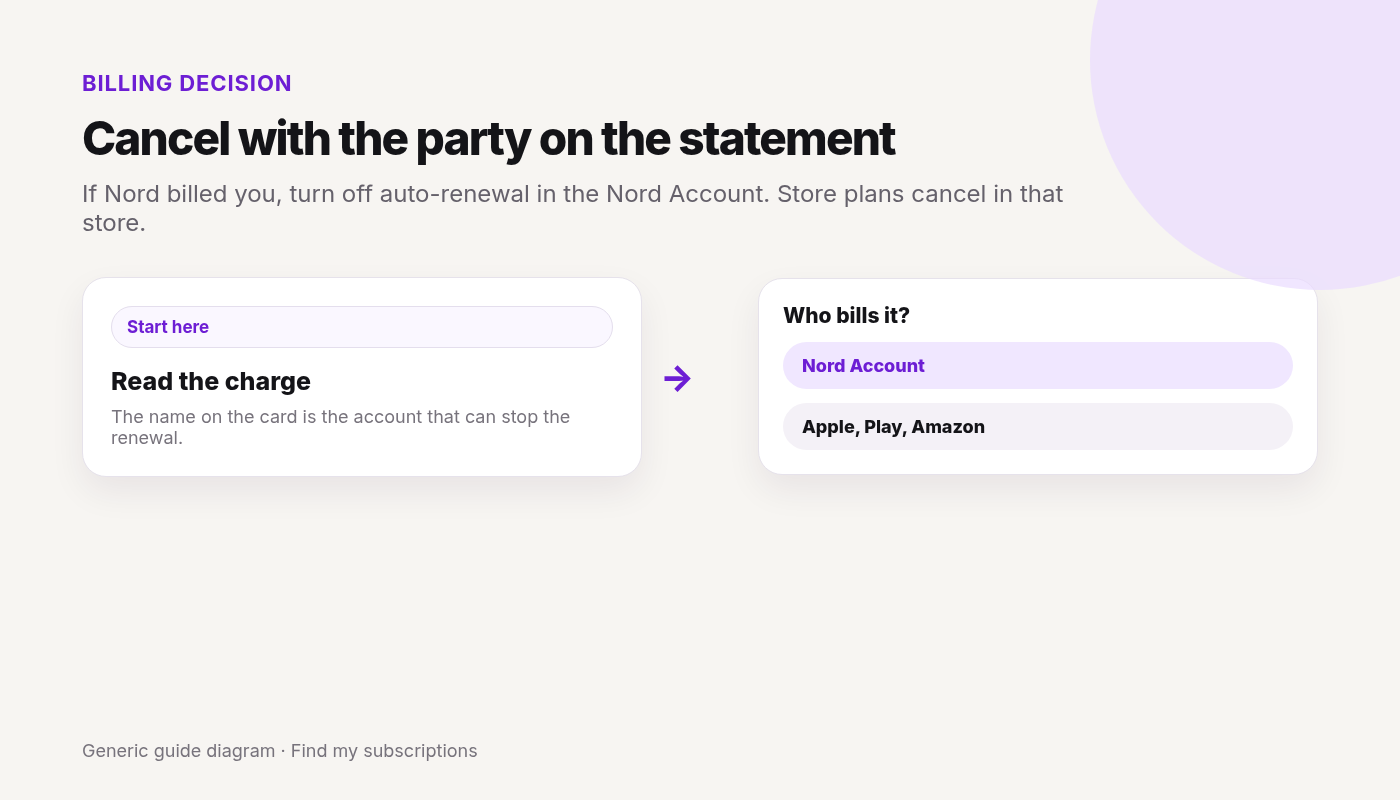
Who bills you: Nord or the store?
Cancel with whoever charged you. The charge on your statement tells you which:
Bought on the NordVPN website: Nord Account → billing → cancel auto-renewal.
Apple App Store: cancel in your Apple subscriptions. Nord can’t issue refunds for Apple payments — Apple’s refund rules apply.
Google Play: cancel in Google Play subscriptions. Nord’s support can handle refunds for Google Play payments within its refund terms, and Google Play also accepts refund requests for payments made in the last 48 hours.
Amazon Appstore: cancel in your Amazon Appstore subscriptions; refunds go through Amazon Support.
Retailer or reseller (a physical store, online shop, or marketplace such as Best Buy or StackSocial): contact the seller about refunds.
Refunds after canceling
Per Nord’s refund policy, new subscriptions get a 30-day money-back guarantee on the first purchase only. Renewals aren’t covered, unless local law says otherwise.
To request one, contact Nord support via live chat. Eligible payments show a Refund button in your account.
Refunds can take up to 10 business days to reach you, depending on your payment method.
FAQ
How do I cancel my NordVPN subscription?
If you bought from Nord, log in to your Nord Account, open the billing tab, click Cancel next to auto-renewal, and confirm. If you bought through Apple, Google Play, or Amazon, cancel in that store.
Is canceling NordVPN the same as unsubscribing?
Yes. Nord calls it canceling auto-renewal. Your plan keeps working until the paid period ends, then it stops renewing.
Does canceling NordVPN give me a refund?
No. Canceling auto-renewal only stops future charges. First purchases have a 30-day money-back guarantee you request through Nord support; store purchases follow the store’s rules.
Why can’t I find my NordVPN plan in my Nord Account billing tab?
You may have bought it through Apple, Google Play, Amazon, or a retailer. Cancel with whoever charged you.
Nord is only one charge.
See what else is still charging this Google account.
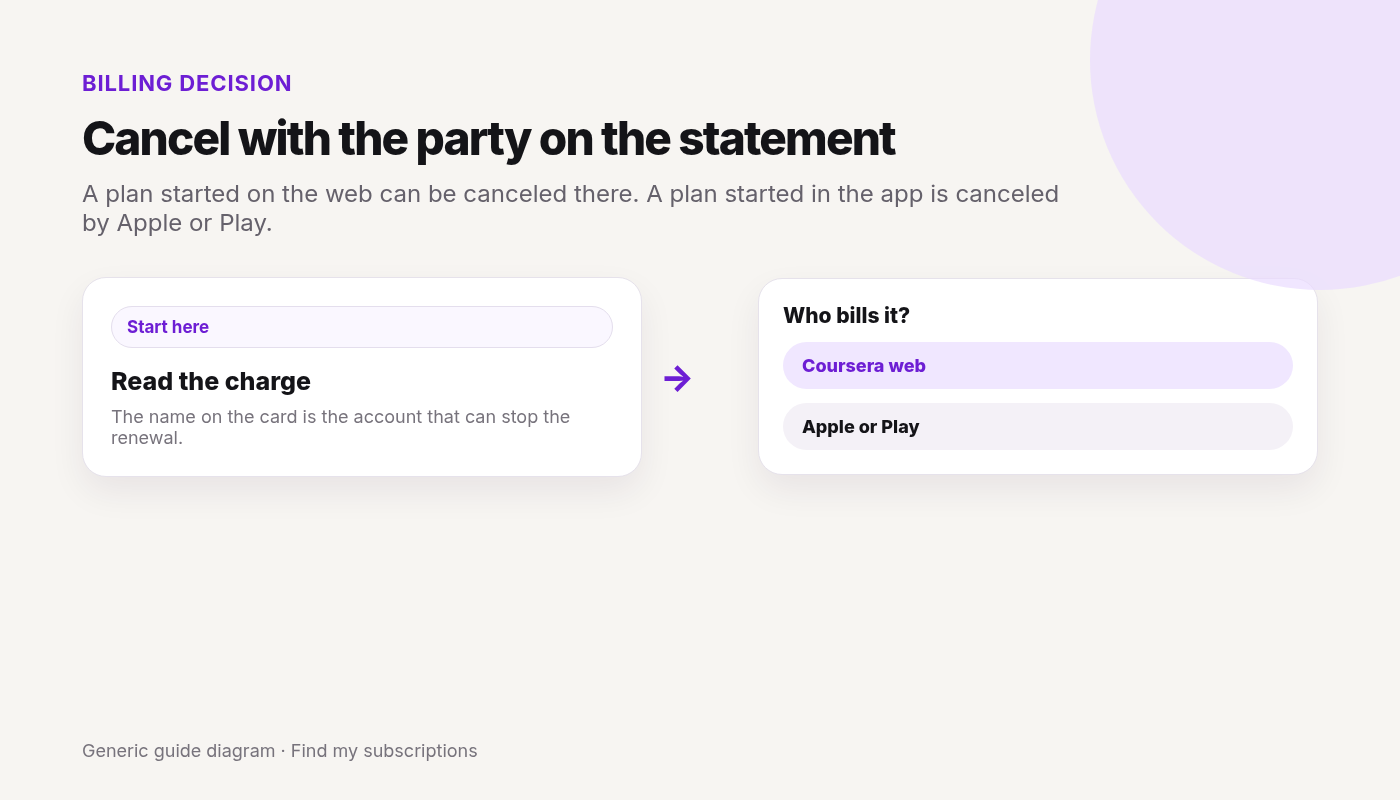
Checked 2026-10-04. Official source: Cancel a subscription. A plan started on Coursera.org can be canceled on the web or in the app. A plan started in the mobile app is managed by Apple or Google Play, and cancel will not show on the website.
Checked 2026-10-04. Official source: How to cancel your subscription. Read the statement, then cancel with the vendor who manages the plan. Uninstalling the app does not cancel.
Quick answer
See who bills you: Pandora, Apple, Google Play, Amazon, Roku, T-Mobile, or another carrier.
Pandora-billed, on a computer: Subscriptions → Switch Plans → Cancel Subscription.
On a phone browser: menu → Subscription → Switch Plans → Cancel Subscription.
A store or carrier plan: cancel there. Pandora says it can’t cancel, change, or refund Apple, Amazon, Roku, or carrier purchases.
Cancel at least 24 hours before renewal, or before a trial ends.
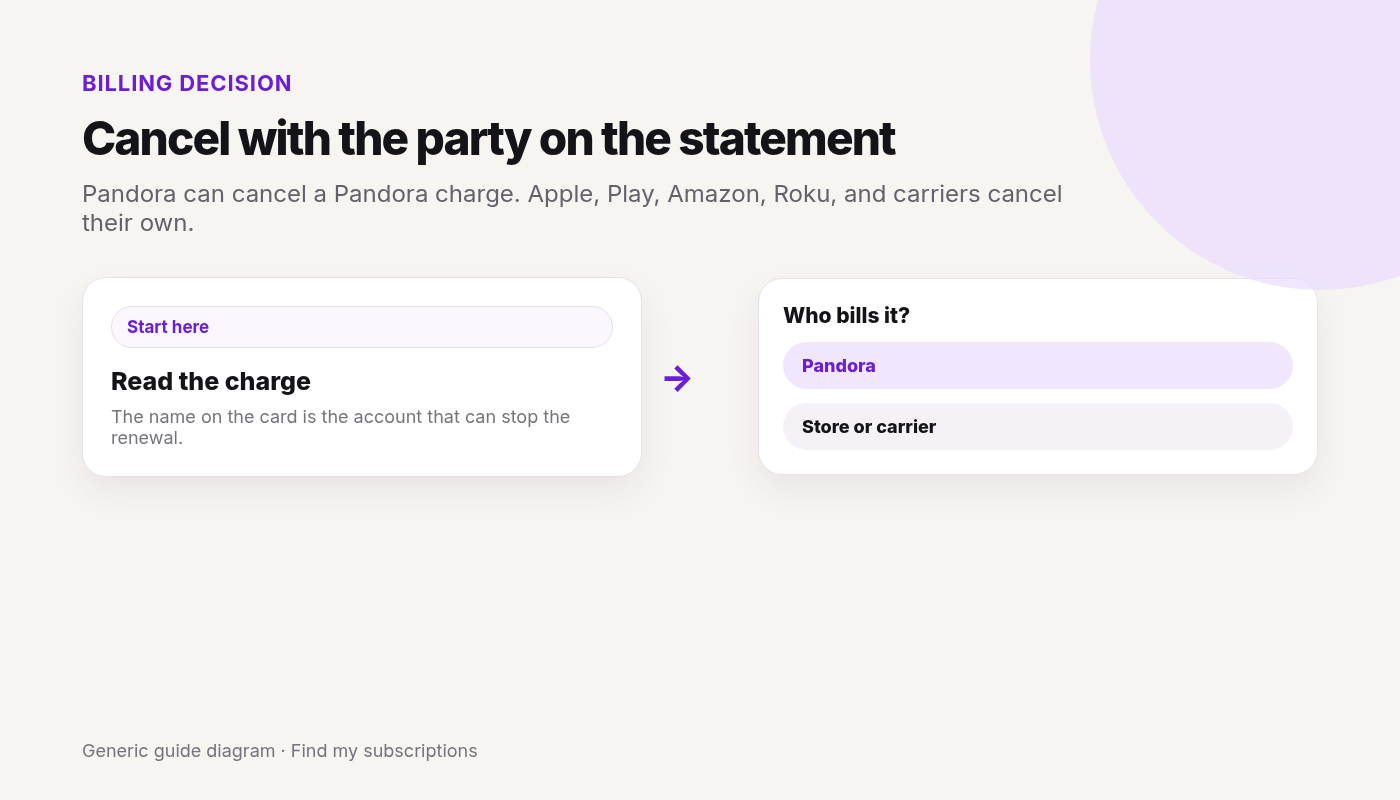
Pandora can cancel a Pandora charge. Apple, Play, Amazon, Roku, and carriers cancel their own.
Canceled Pandora and still not sure what else renews on this Google account? Free discovery, no bank login.
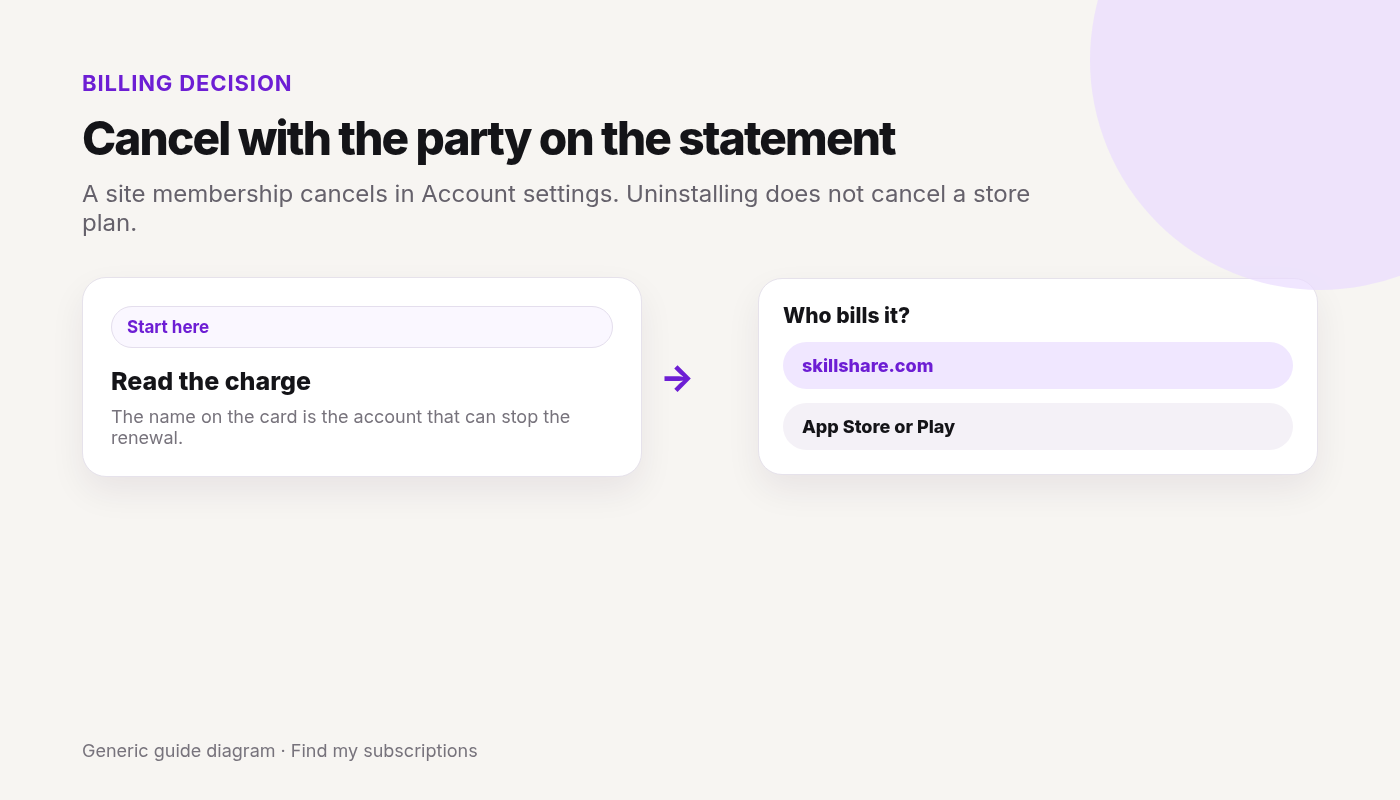
Checked 2026-10-04. Official source: How do I cancel my Skillshare subscription?. Website signups cancel on skillshare.com. App Store and Google Play signups cancel in the store. Skillshare can’t cancel those.
Checked 2026-10-04. Official source: How do I Cancel my Subscription?. Use the platform you subscribed on. It renews unless you cancel at least 24 hours before the renewal date.
iOS or Android purchase: cancel in Apple Subscriptions or Google Play. The website button is for website purchases.
A full refund may be available within 14 days of purchase. After that, Strava says subscriptions are non-refundable. Canceling a recent renewal does not start a refund.
Features last until the term ends. Uploaded activities are not deleted.
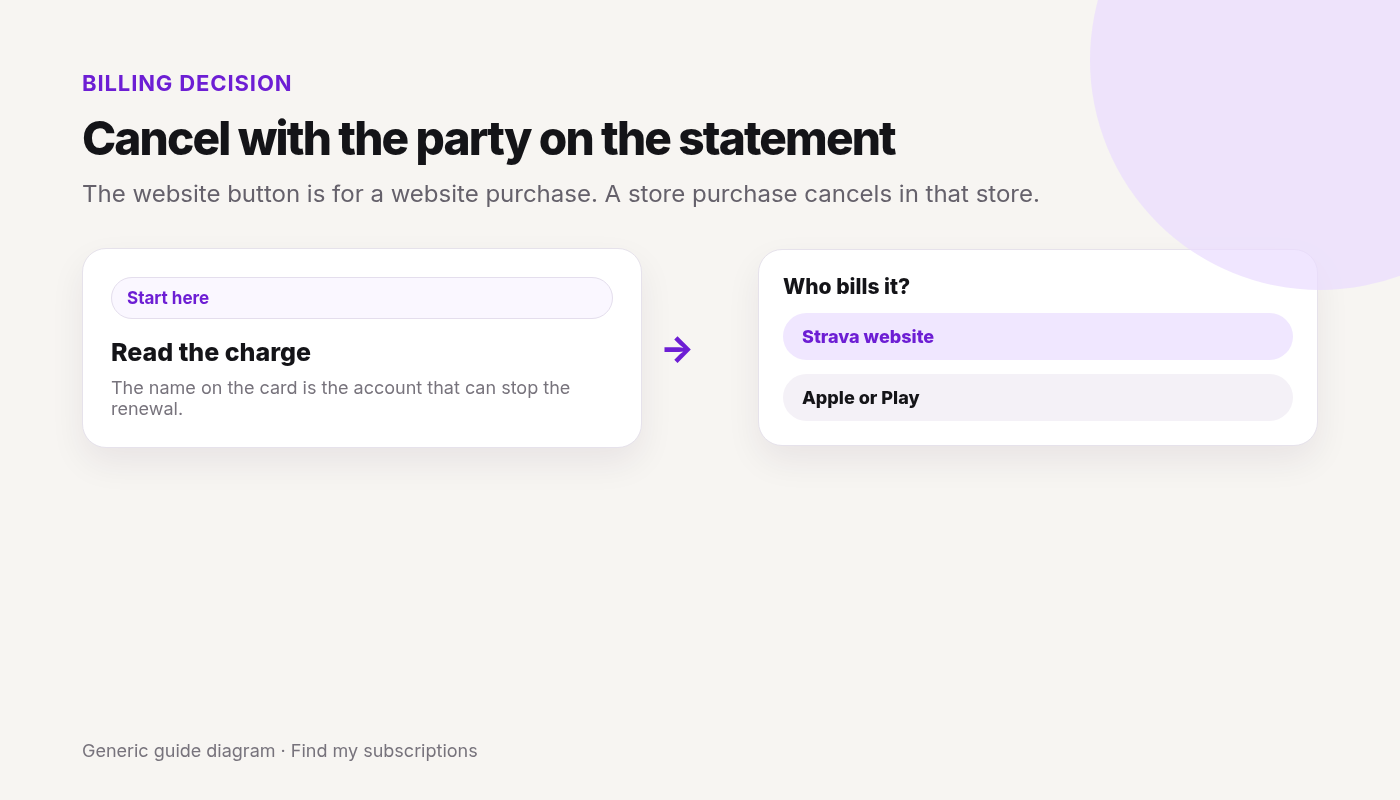
The website button is for a website purchase. A store purchase cancels in that store.
Canceled Strava and still not sure what else renews on this Google account? Free discovery, no bank login.
Checked 2026-10-04. Official source: Cancel a Canva plan. Match the statement to Canva, Google, Apple, or PayPal, then cancel there. Only a paid, active plan can be canceled.
Quick answer
Sign in to the Canva account or team on the receipt.
Profile → Settings → Billing.
Cancel plan → Continue cancellation → a reason → Continue cancellation → Cancel subscription.
Google Play or the App Store: Canva can’t cancel those in the app. Cancel in the store. Uninstalling does not cancel.
PayPal: cancel the Canva automatic payment in PayPal.
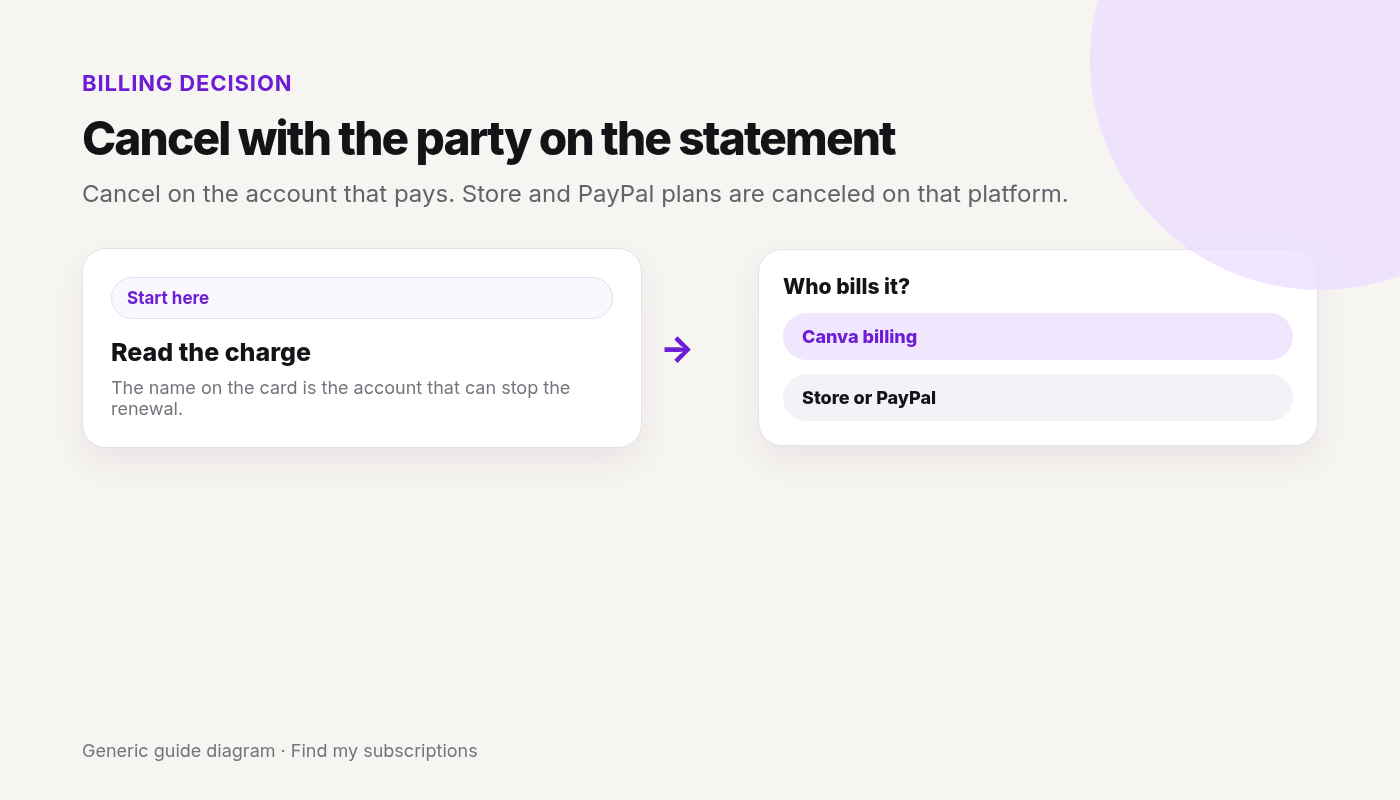
Cancel on the account that pays. Store and PayPal plans are canceled on that platform.
Canceled Canva and still not sure what else renews on this Google account? Free discovery, no bank login.
Checked 2026-10-04. Official source: How do I cancel my subscription?. Canceling stops automatic renewal. Paid features stay through the current period.
Quick answer
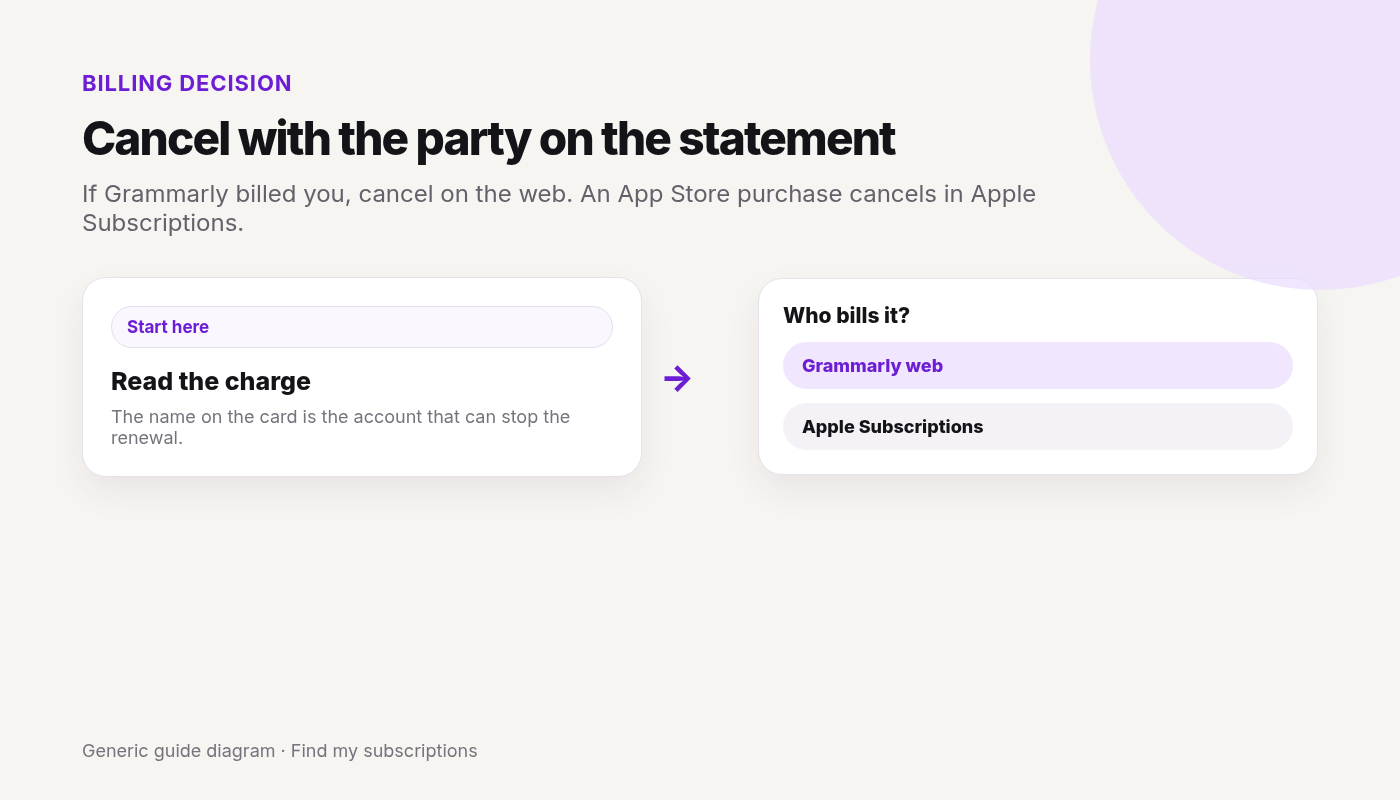
If the charge is from Grammarly, sign in on the web (on a phone, use account.grammarly.com).
A Superhuman subscription canceled through the linked Grammarly account applies across the Superhuman suite.
If you can’t open the paid account, contact Grammarly Support. Don’t send a full card number.
Deleting the account is a separate article. Cancel the subscription first if you only want the charges to stop.
Grammarly’s refund article says you can cancel anytime, and refunds are issued only if required by law. An App Store refund is requested from Apple. Can I get a refund?